




Copilot Readiness & Document Estate Audit
Microsoft Copilot answers from everything a person can open in Microsoft 365. A Copilot readiness assessment finds what is stored there, who can see it, and what should be cleaned up or restricted before Copilot is switched on.
- ScopeA defined Microsoft 365 boundary
- ExposureA view of what is exposed today
- FindingsRisks ranked by impact
- PlanA first fix, already scoped
Copilot readiness assessment at a glance
 Who it is for
- Firms planning or piloting Copilot
 Inputs
- Access to Microsoft 365 sites, drives and Teams
 Outputs
- Findings by theme, a clean-up plan and a scoped first fix
 Who is responsible
- BluEnt runs the audit; the firm provides access and sign-off
 Engagement shape
- Fixed scope, agreed in writing

The problem
Over years, files are shared widely, copied many times and never deleted.
Copilot can surface any of them in an answer, including documents that were never meant to travel.
- Copilot licences are on orderleadership wants Copilot live, and IT wants to check what Copilot could reach first.
- A pilot gave outdated answersa trial quoted an old specification revision, and the firm wants to know why and how widespread the problem is.
- Client questions about AIa client asks how the firm protects its information when AI tools are in use.
What a Copilot readiness assessment covers
The estate Copilot will read, examined before it reads it.
How the work runs
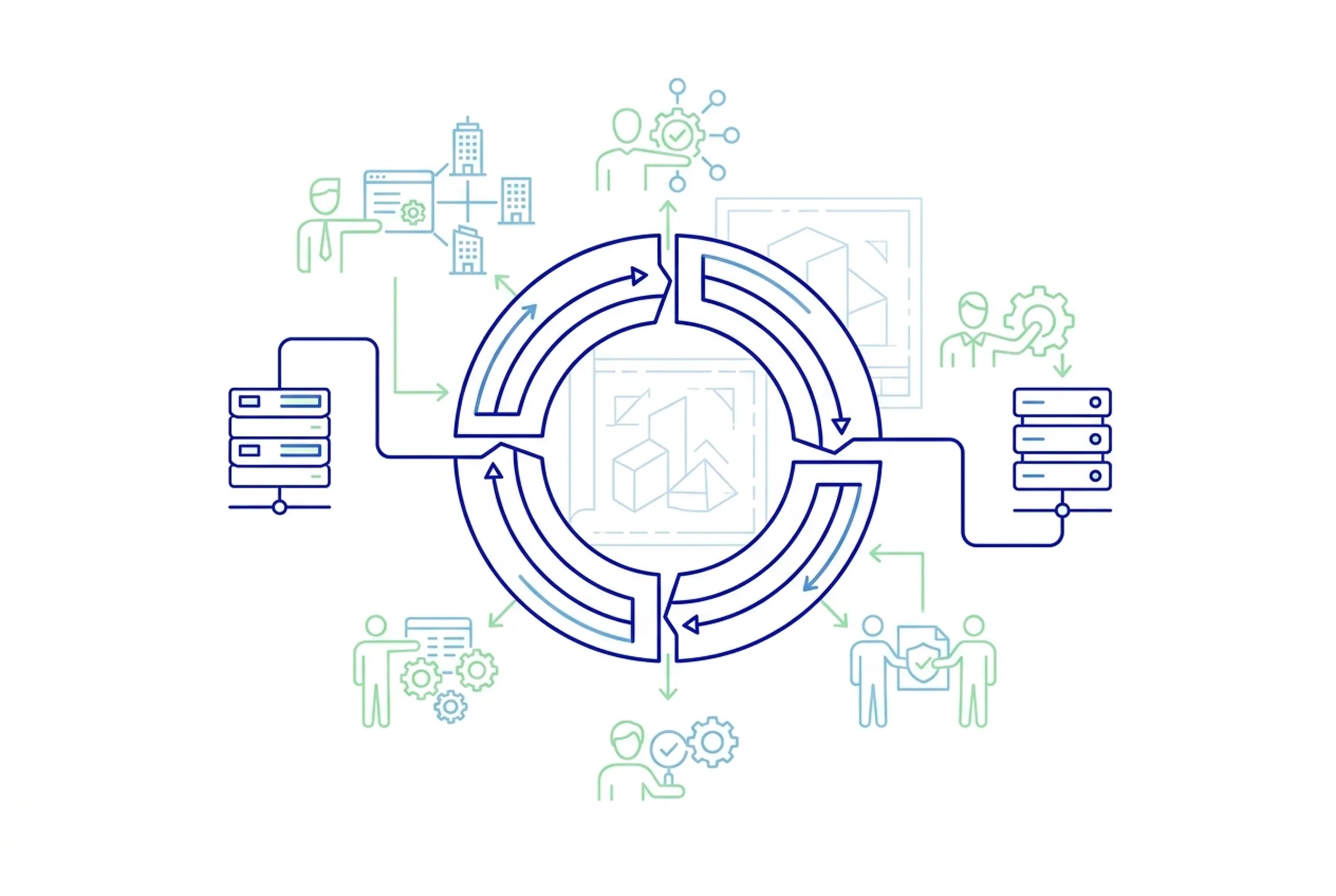
From the current estate to a clean-up plan sequenced ahead of rollout.
Agree the scope
BluEnt agrees which Microsoft 365 sites, drives and teams the audit covers, and who signs off the findings.
Review the estate
BluEnt looks at what Copilot would be able to read: duplicates, outdated versions, sensitive content and over-shared folders.
Report the risks
Findings are grouped by theme, each with its impact and the order in which to fix it.
Plan the fixes
The report ends with a scoped first piece of work, so the firm knows what happens next.
What the firm receives
Named outputs, agreed in writing before the work begins.
Written for the people who will use the Copilot readiness and document estate audit work, and kept by the firm when it ends ends.
an information and data audit and governance framework for a mid-sized AEC firm preparing for Microsoft Copilot.
Read the case study →What this does not cover
Copilot licences and Microsoft 365 administration remain with the firm's IT team. The assessment plans the clean-up. Carrying it out is agreed separately.
What it covers
What the work looks at, and where it usually applies.
Every boundary of the Copilot readiness and document estate audit scope is confirmed in writing first.
- Over-shared sites, folders and links that Copilot would surface
- Duplicate and outdated documents that would produce wrong answers
- Sensitive and client information that needs protecting first
- Permissions and access that do not match how teams work
- A prioritised order of fixes, with the first one scoped
Open to everyone, or open to the right people
The difference is what Copilot can reach when someone asks it a question.
Where firms usually start with Copilot readiness and document estate audit, and what changes once the work is done.
Who this is for
- Firms licensing or piloting Copilot that want to know what it will be able to read
- IT and Microsoft 365 administrators who manage SharePoint, Teams and OneDrive access
- Information and compliance leads who are responsible for sensitive information

Delivery model and security
Offices in the US, Canada, the UK, the Netherlands and India. How delivery works.
SOC 2 Type I and Type II attestations held. Security & SOC 2.
Related links
Related services that often come next.
Insights
Perspectives from BluEnt on data governance.
 InsightCentralised, federated or hybrid governanceWhich governance model fits the organisation.Read the article
 InsightData governance for AI and advanced analyticsBuilding a governance foundation that works for AI.Read the article
 InsightData governance roles in AEC organisationsWho owns what, and how responsibilities are shared.Read the article
Questions about Copilot Readiness & Document Estate Audit

Does Copilot need to be bought first?
No. The assessment works best before Copilot is switched on.
Does BluEnt change permissions in Microsoft 365?
The assessment recommends changes. Making them is agreed separately with the firm's IT team.
How is this different from the AI readiness assessment?
This focuses on Microsoft 365 and Copilot. The AI readiness assessment covers project information more widely.
Can this be done after Copilot is switched on?
Yes. It shows what Copilot can already reach and what to tighten.
Is this only for Copilot?
The audit is shaped around Copilot, but the findings apply to any AI tool that reads the firm’s documents.
"*" indicates required fields
Your information is used only to reply to this enquiry and is never shared outside BluEnt. Privacy policy
