




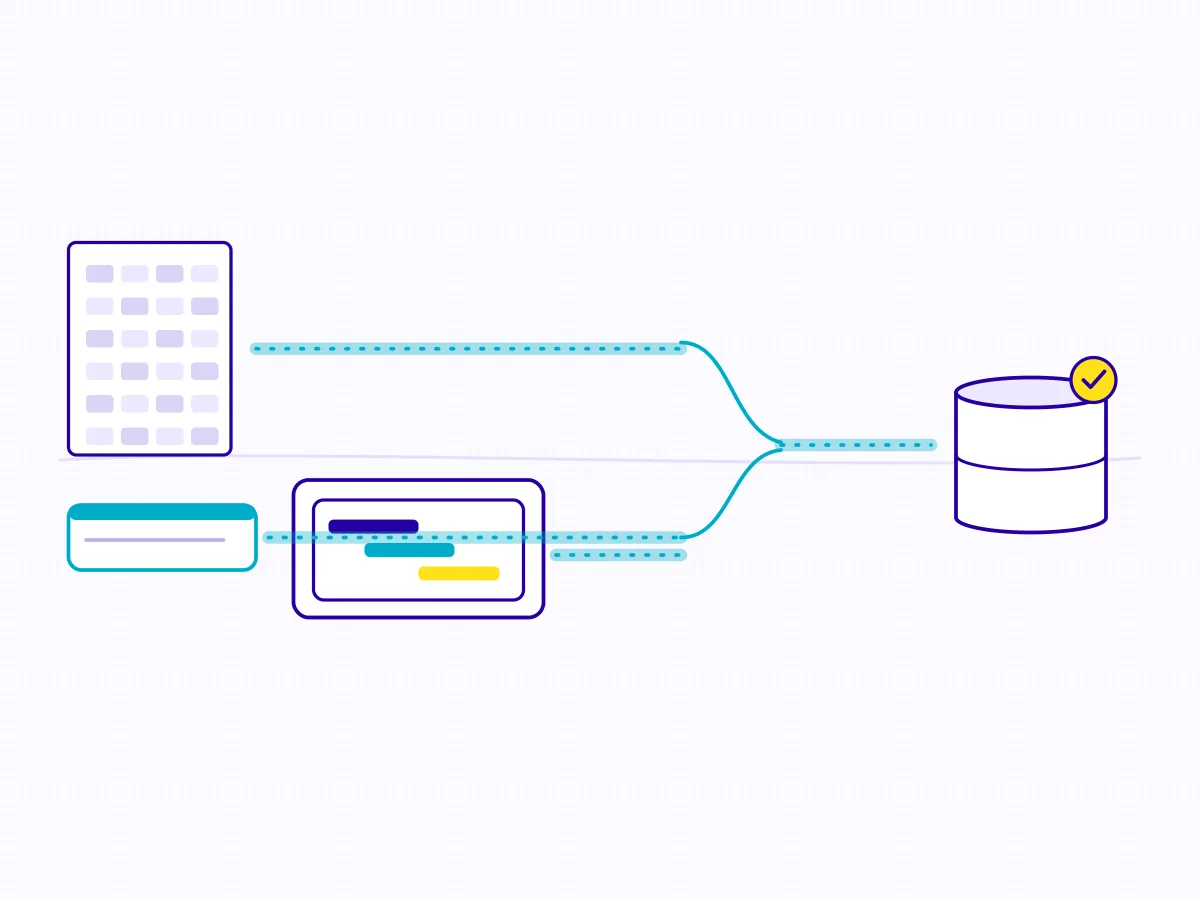
Construction ERP data integration reads project, cost and commitment data from the systems a construction business already runs, and loads it into one model.
Every load is checked against its source, so the data underneath reporting can be trusted.
At a glance
 What it covers
- Reliable, checked data extraction from construction source systems into one model
 Systems
- Sage 300 CRE, Viewpoint Vista, CMiC, Procore, Autodesk Construction Cloud, Primavera P6 and Microsoft Project
 Who is responsible
- BluEnt designs, builds and tests. The firm grants access and confirms the control totals
 How it is scoped
- One source system at a time, with named outputs agreed before work begins
 How it starts
- A Project Data Walkthrough, at no charge

Why construction systems are hard to connect
Construction systems were built to run a job, not to share data.
Accounting holds cost by cost code, project tools hold commitments, change orders and logs, and schedules hold time.
Each system uses its own project numbering. Connecting them is less about moving data than about meaning: which job, which cost code, which version of a commitment.
One job, three identities
How each system knows the same project
| Accounting | By cost code |
|---|---|
| Project tool | By commitment and change order |
| Schedule | By activity |
What construction ERP data integration covers
Accounting, project management and scheduling systems connected and read on a schedule.
| Source type | What is read |
|---|---|
| Accounting and ERP Sage 300 CRE, Viewpoint Vista, CMiC | Job cost, commitments, billing and vendors |
| Project management Procore, Autodesk Construction Cloud | Budgets, change orders, logs and documents |
| Scheduling Primavera P6, Microsoft Project | Activities, dates and progress |
| Spreadsheets The firm’s own trackers | Data that exists nowhere else, brought under control |
How every load is checked
Scopes in this service line
Smaller source system integration pieces, each with its own page, inputs and outputs.
Procore Data Integration
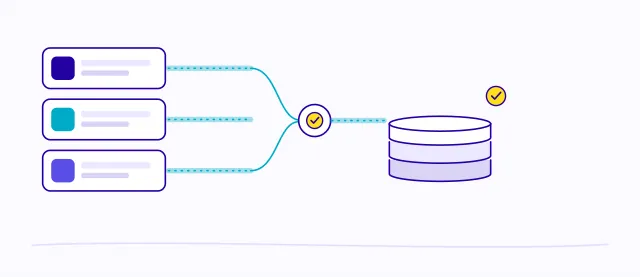
Procore project, cost and log data read into the model, with every load checked against Procore itself.
Naming a product describes the work; it is not a partnership claim.
- Budgets and commitments
- Change orders
- Daily logs
Sage 300 CRE & Viewpoint Extraction
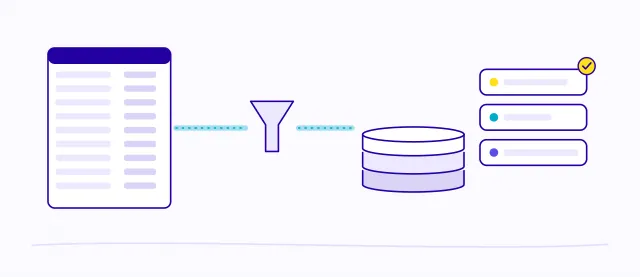
Job cost and commitment data extracted from construction accounting systems, reconciled to their own control totals.
- Job cost
- Commitments
- Vendors
Integration Remediation
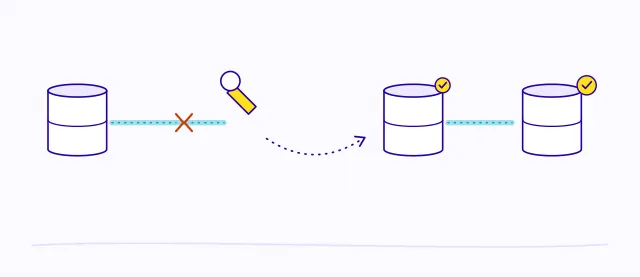
Existing integrations that have stopped agreeing, diagnosed and fixed, so the figures match their source again.
- Diagnosis
- Repair
- Load checks
Who this is for
The roles who rely on source data arriving complete and correct.
CFO or VP Finance
Does job cost in the reports match the accounting system exactly?
For CFOs & Finance LeadersCIO
Who has access to which system, and what does each connection read?
For CIOs & IT DirectorsDirector of Project Controls
Can commitments and change orders be read without exporting them by hand?
For Directors of Project ControlsHow an engagement runs
One source system at a time, with the checks agreed before the first load.
Project Data Walkthrough
A ninety-minute conversation at no charge, naming the source system to connect first and the outputs it should produce.
Agree access
Read access is agreed with the firm’s IT team. Nothing is ever written back to a source system.
Build and check
The connection is built and every load is compared with the source on row counts, control totals and key figures.
Run on a schedule
The connection runs on an agreed schedule, and any change in the source is caught by the checks before a report.

Exports and spreadsheets, or connected and checked
How data moves
Exports and spreadsheets: Exported by hand each month
Connected and checked: Read on a schedule
When a number is wrong
Exports and spreadsheets: Found in the meeting
Connected and checked: Flagged at the load
Project numbering
Exports and spreadsheets: Different in each system
Connected and checked: Mapped once, then reused
When a source changes
Exports and spreadsheets: The report breaks quietly
Connected and checked: The checks catch it first
Read access only, nothing written back
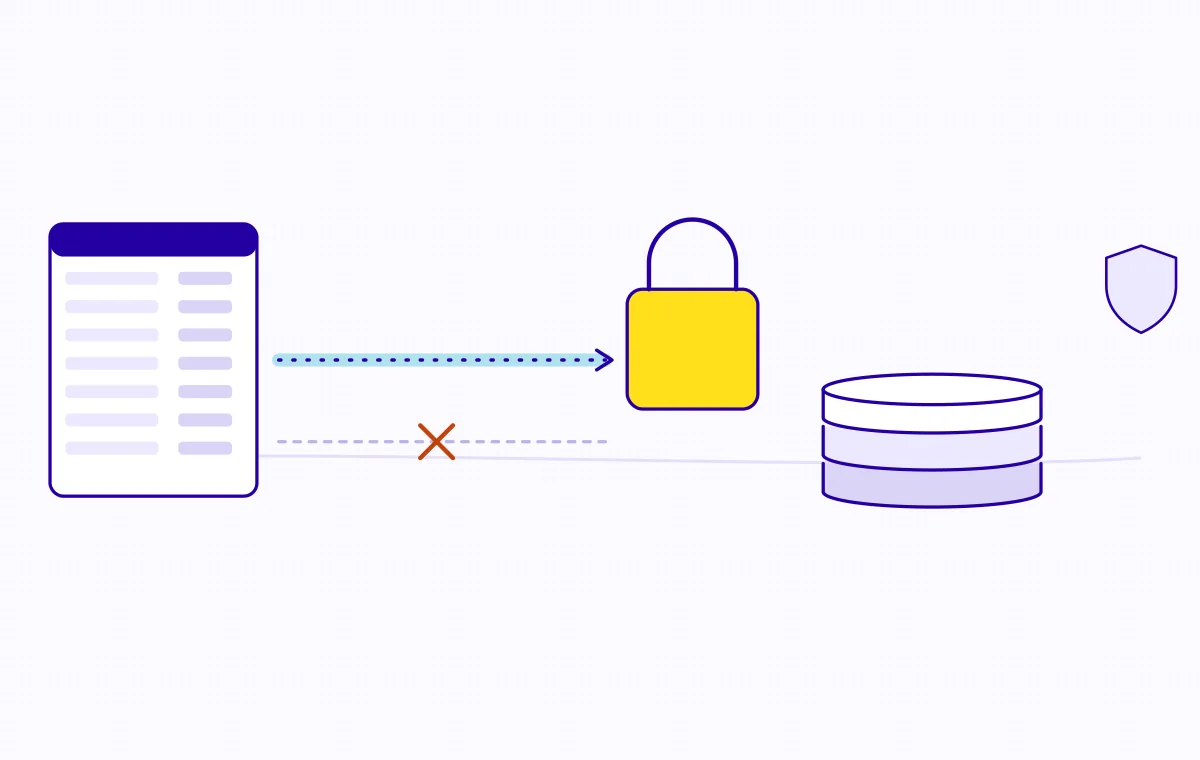
Every connection reads from the source system through access agreed with the firm’s IT team, and nothing is ever written back. Source systems stay exactly as they are, run by the firm and its vendors, while the model underneath reporting is kept current and checked.
What this does not cover
- Changes inside the source systems themselves remain with the firm and its vendors.
- The work connects the ERP already in place; selecting, implementing or replacing an ERP sits outside it.
Drawing and model production are delivered through bluentcad.com, not through this service.

Delivery model and security
Offices in the US, Canada, the UK, the Netherlands and India. How delivery works.
SOC 2 Type I and Type II attestations held. Security & SOC 2.
Questions AEC professionals ask

Which source system should come first?
Usually the one finance relies on most, often the accounting system. A Project Data Walkthrough identifies it.
Does this need access to production systems?
Read access, agreed with the firm’s IT team. Nothing is written back to a source system.
What happens when a source system changes?
The checks on every load show it immediately, so a change is caught before it reaches a report.
How often is the data refreshed?
On a schedule agreed with the firm, set by how current each report needs to be.
Can spreadsheets be included?
Yes. Trackers that hold data found nowhere else are brought under the same checks as the other sources.
What if two systems hold different versions of a commitment?
The rule for which version is used is agreed with the firm once, then applied on every load.
Where does source system integration work usually begin?
With a Project Data Walkthrough, at no charge, centred on source system integration: one page naming the specific problems found, and one named next step.
"*" indicates required fields
Your information is used only to reply to this enquiry and is never shared outside BluEnt. Privacy policy
