




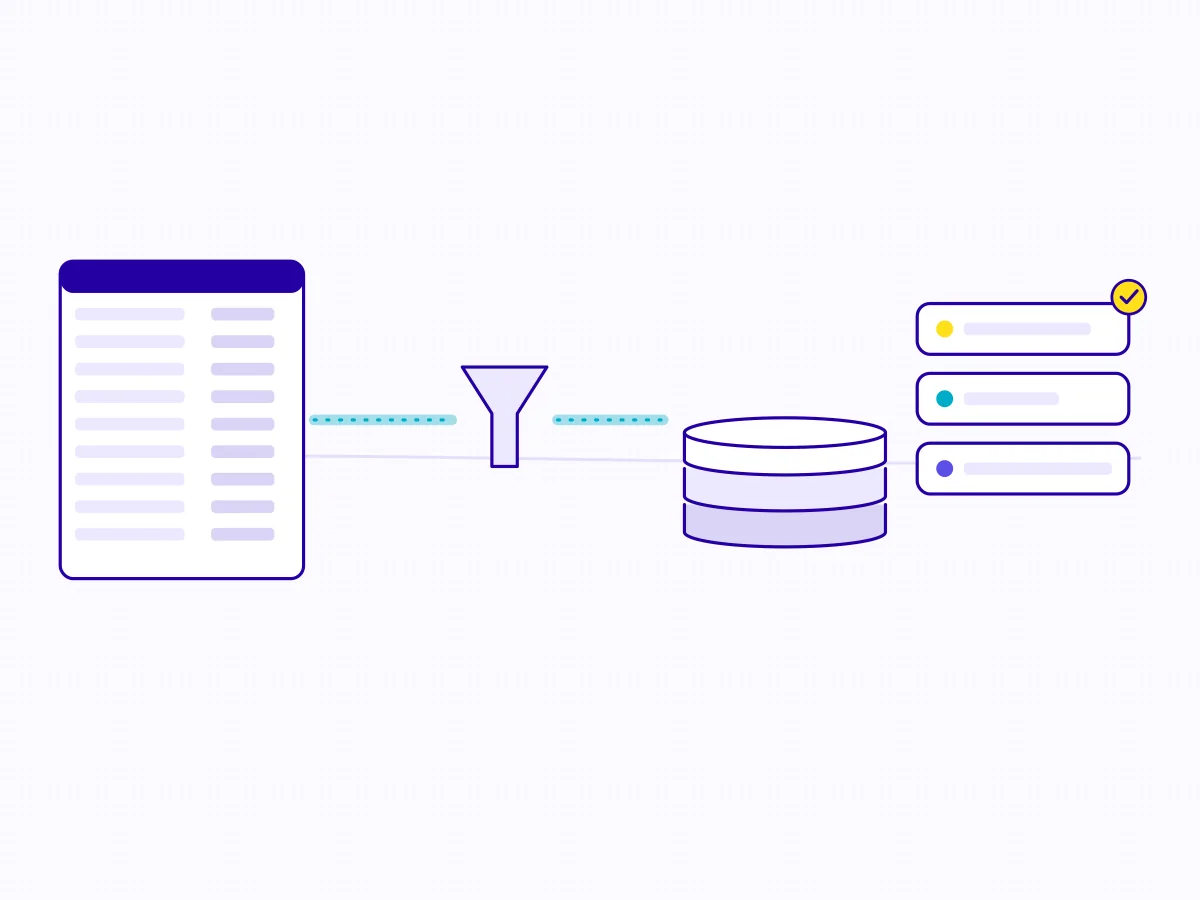
Sage 300 CRE data extraction reads job cost, commitment, billing and vendor data out of the accounting system and loads it into a model where it can be reported with other data. The same approach covers Viewpoint Vista.
Naming a product describes the work; it is not a partnership claim.
Every extraction is checked against the accounting system’s own totals.
At a glance
 Inputs
- Read access to Sage 300 CRE or Viewpoint Vista, and the firm’s standard job cost reports
 Outputs
- Scheduled, checked extractions of job cost, commitments, billing and vendors
 Who is responsible
- BluEnt builds and tests. The firm’s finance team confirms the control totals
 Engagement shape
- A build with named outputs, agreed in writing before work begins
 How it starts
- A Project Data Walkthrough, at no charge

Where accounting data gets stuck
The accounting system holds the figures finance trusts, but they rarely leave it cleanly.
Job cost, commitments and billing reach reports through manual exports, re-keyed and reformatted each month.
Every export is a snapshot that starts ageing the moment it is taken. When a report disagrees with the accounting system, finance spends the meeting proving which copy is current instead of discussing the job.
One job, three copies
Where the same job cost figure ends up
| Accounting system | The figure finance trusts |
|---|---|
| Monthly export | A snapshot, already ageing |
| Report spreadsheet | Re-keyed and reformatted |
What Sage 300 CRE data extraction delivers
Accounting data extracted on a schedule, ready for reporting, from either system.
| Data | Covered in Sage 300 CRE and Viewpoint Vista |
|---|---|
| Job cost by cost code | Covered in both systems |
| Commitments and subcontracts | Covered in both systems |
| Billing and receivables | Covered in both systems |
| Vendors | Covered in both systems |
| Checked against | Each system’s own job cost reports |
How every extraction is checked
Who this is for
The roles who need accounting data in reports without a manual export.
CFO or VP Finance
Do the reports show exactly what the accounting system shows?
For CFOs & Finance LeadersController or Finance Manager
Can month-end reporting start without exporting and re-keying job cost?
CIO
What access does the extraction need, and is anything written back?
For CIOs & IT DirectorsHow the work runs
From the accounting system as it stands to extracts checked against its own totals.
Agree which data
The data to extract, and the reports finance already trusts, are agreed with finance.
Build
The extraction and its control-total checks are built by BluEnt.
Reconcile
Extracts are reconciled against the accounting reports, with finance, until every job matches.
Schedule
The extraction is set to run on a schedule agreed with the firm.
Hand over
The work is handed over with a runbook for the firm’s team.

Manual exports, or checked extractions
How accounting data leaves the system
Manual exports: Exported and re-keyed by hand
Checked extractions: Extracted on a schedule
How it is checked
Manual exports: Spot-checked, if at all
Checked extractions: Against the system’s own totals
When a total does not match
Manual exports: Found in the meeting
Checked extractions: Held before it is accepted
How finance works
Manual exports: Around the exports
Checked extractions: Exactly as before, in the accounting system
Checked against the accounting system’s own totals
Finance trusts the accounting system’s reports. So each extraction is checked against them: job by job, the loaded totals must match before the data is accepted. Finance keeps working in the accounting system exactly as before.
One extraction, job by job
Each job’s loaded total, compared with the accounting report
| Totals match | Accepted into the model |
|---|---|
| Totals differ | Held, with the difference shown |
| Report used | The one finance already trusts |
What this does not cover
- Accounting system configuration, upgrades and support remain with the firm and its vendor.
- Years of history are covered separately by historical backload.
- Nothing is written back into the accounting system.
Drawing and model production are delivered through bluentcad.com, not through this service.

Delivery model and security
Offices in the US, Canada, the UK, the Netherlands and India. How delivery works.
SOC 2 Type I and Type II attestations held. Security & SOC 2.
Questions AEC professionals ask

Does this work with Sage 300 CRE hosted on premises?
That depends on the access available, which is confirmed with the firm’s IT team before any build begins.
Is Viewpoint Vista handled the same way?
Yes. The same extraction and control-total approach applies, through the access Viewpoint Vista provides.
Will finance need to change how it works?
No. Finance keeps working in the accounting system. The extraction reads from it and checks against its reports.
Which reports are the checks based on?
The job cost reports finance already relies on, agreed at the start, so the checks use figures finance recognises.
Can past years be included?
Years of history are loaded separately, through historical backload, so live extraction is not slowed down.
Is anything written back to the accounting system?
No. The extraction reads data only, and the accounting system stays exactly as it is.
What is the first step in Sage 300 CRE and Viewpoint extraction?
With a Project Data Walkthrough, at no charge, centred on Sage 300 CRE and Viewpoint extraction: one page naming the specific problems found, and one named next step.
"*" indicates required fields
Your information is used only to reply to this enquiry and is never shared outside BluEnt. Privacy policy
