




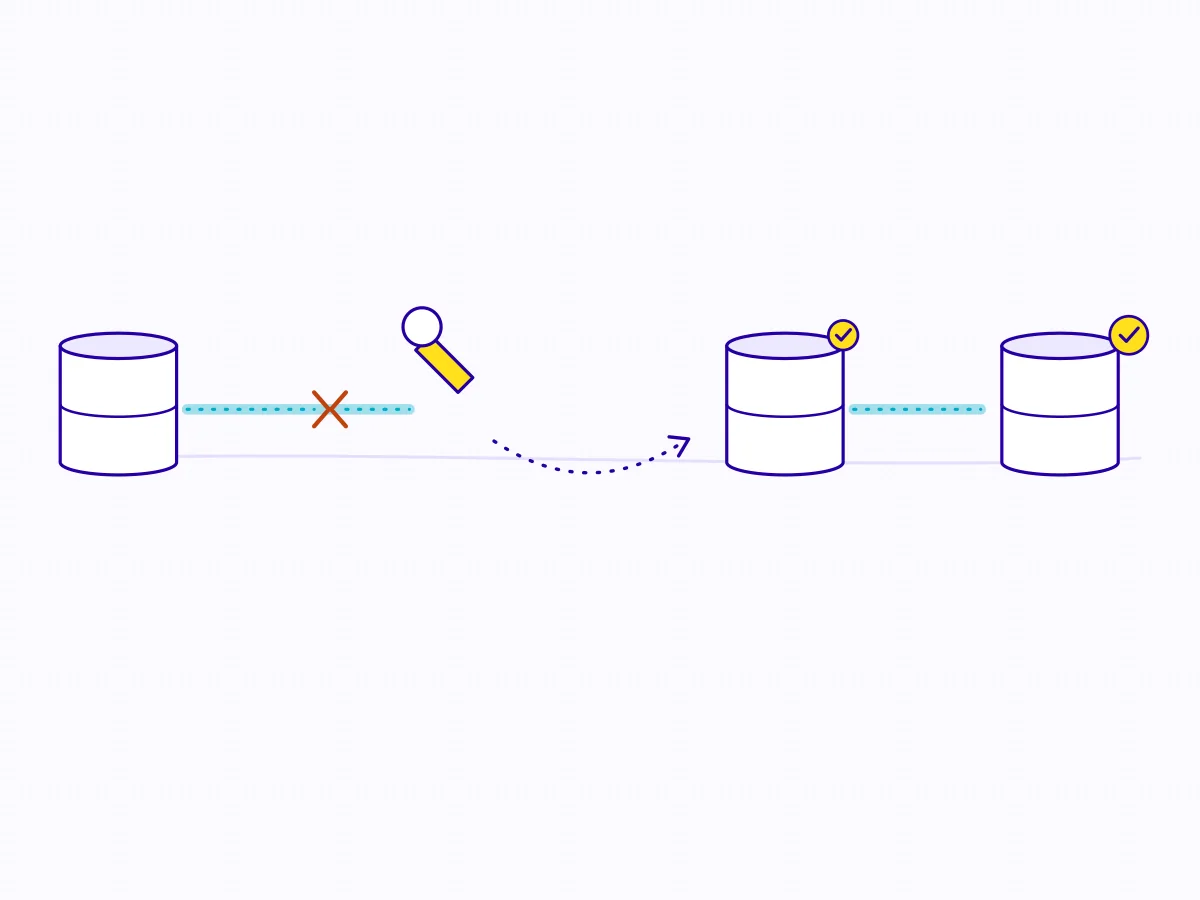
Construction data integration remediation fixes integrations that already exist but no longer work as intended. Records go missing, fields change upstream, or errors fail silently.
The work finds where each integration breaks, fixes it, and adds checks so the next failure is visible.
At a glance
 Inputs
- Access to the existing integrations, their logs, and the systems at each end
 Outputs
- A diagnosis, fixed integrations, run checks, alerts and a reconciliation report
 Who is responsible
- BluEnt diagnoses and fixes. The firm approves each fix before it runs in production
 Engagement shape
- A diagnosis first, then agreed fixes with named outputs
 How it starts
- A Project Data Walkthrough, at no charge

How integrations fail quietly
Most construction integrations were built once and then left.
A source system is upgraded, a field is renamed or a job is restructured, and the integration keeps running without saying what it missed.
The failure shows up later, as a report that does not tie. By then the missing records are weeks old, and nobody can say which loads were complete.
One integration, three quiet failures
What changes upstream, and what the integration does
| Field renamed | Moved nothing, reported success |
|---|---|
| Job restructured | Loaded part of the job |
| System upgraded | Stopped, with no alert |
How construction data integration remediation works
A diagnosis of each failing integration, then a fix or a rebuild, agreed first.
| Stage | What happens |
|---|---|
| Diagnose BluEnt | Each integration traced, and every break found and listed |
| Prioritise BluEnt and the firm | Fixes ranked by what they affect, agreed with the firm |
| Fix BluEnt | Each break repaired and tested |
| Instrument BluEnt | Checks, alerts and a reconciliation report added to every run |
| Hand over BluEnt | A runbook for the firm’s team |
How a silent failure is found and kept visible
Who this is for
The roles who live with an integration that no longer tells the truth.
CIO
Which integrations are failing, what do they affect, and who owns each one?
For CIOs & IT DirectorsDirector of Project Controls
Are the figures in the reports complete, or quietly missing records?
For Directors of Project ControlsCFO or VP Finance
Can month-end be trusted without checking every integration by hand?
For CFOs & Finance LeadersHow the work runs
From an integration nobody trusts to one that reports its own failures.
Diagnose
Each integration is traced end to end, and every break is found and listed.
Prioritise
Fixes are ranked by what they affect, and agreed with the firm.
Fix
Each break is repaired and tested, with the firm approving each fix before production.
Instrument
Checks, alerts and a reconciliation report are added to every run.
Hand over
The firm’s team receives a runbook covering every integration.

Failing quietly, or failing visibly
When a field changes upstream
Failing quietly: Records stop moving, unnoticed
Failing visibly: The run check flags it
How a failure is found
Failing quietly: A report that does not tie
Failing visibly: An alert the same day
What was missed
Failing quietly: Unknown
Failing visibly: Listed, record by record
Who owns the fix
Failing quietly: Unclear
Failing visibly: Named, with a runbook
Fix, or rebuild
Not every integration is worth repairing. Where a fix would cost more than a rebuild, the diagnosis says so, and the firm decides. Either way, the result runs with checks and alerts, so it does not fail silently again.
What the diagnosis recommends
For each failing integration, one clear route
| Worth repairing | Fixed and instrumented |
|---|---|
| Costlier to repair | Rebuilt, then instrumented |
| Vendor-owned | Diagnosed; fixed with the vendor’s agreement |
What this does not cover
- Changes inside the source systems remain with the firm and its vendors.
- Integrations owned by a third-party vendor are diagnosed, but fixed only with that vendor’s agreement.
Drawing and model production are delivered through bluentcad.com, not through this service.

Delivery model and security
Offices in the US, Canada, the UK, the Netherlands and India. How delivery works.
SOC 2 Type I and Type II attestations held. Security & SOC 2.
Questions AEC professionals ask

Can an integration built by another firm be fixed?
Usually, yes, with access to its code or configuration. Where a vendor owns it, fixes are made with that vendor’s agreement.
How is a silent failure found?
By comparing what each system holds with what the integration moved. The difference shows exactly what was missed.
What stops it breaking again?
Every run is checked afterwards, and failures raise an alert, so the next problem is seen the day it happens.
Can missed records be recovered?
The diagnosis lists what was missed. Once the integration is fixed, the missing records can be reloaded and checked.
Does a fix need downtime?
Each fix is agreed and tested first, and the firm approves it before it runs in production.
Who keeps the integrations healthy afterwards?
The firm’s team, using the runbook and the alerts.
Where does integration remediation work usually begin?
With a Project Data Walkthrough, at no charge, centred on integration remediation: one page naming the specific problems found, and one named next step.
"*" indicates required fields
Your information is used only to reply to this enquiry and is never shared outside BluEnt. Privacy policy
