




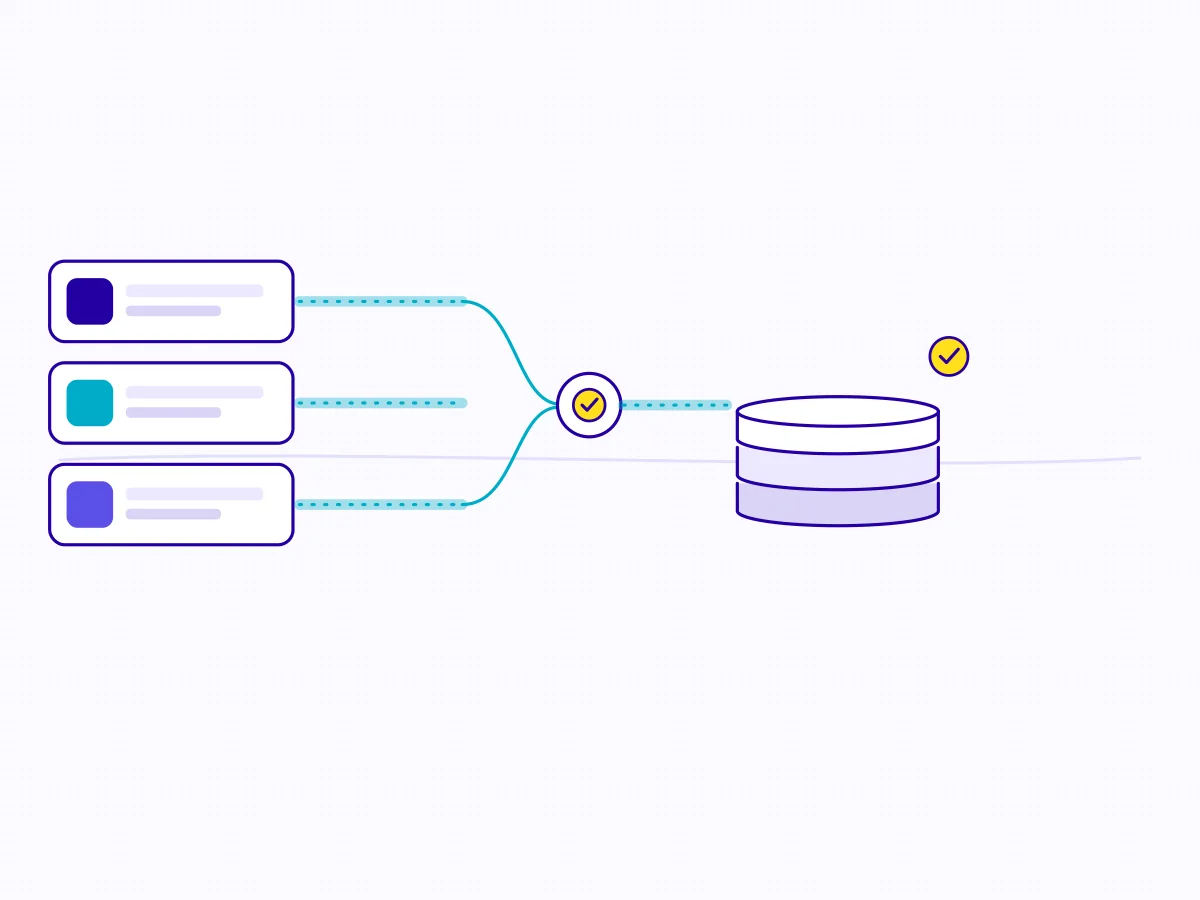
Procore API integration reads project, budget, commitment and log data from Procore through its API, and loads it into a data model alongside the accounting system.
Procore jobs and cost codes are matched to job cost, so the two can be reported together.
At a glance
 Inputs
- Read access to the firm’s Procore company, its accounting system’s job cost, and the cost-code structure
 Outputs
- Scheduled, checked loads of Procore data into the model, matched to job cost
 Who is responsible
- BluEnt builds and tests. The firm owns Procore, grants access and confirms the matching rules
 Engagement shape
- A build with named outputs, agreed in writing before work begins
 How it starts
- A Project Data Walkthrough, at no charge

Where Procore and job cost drift apart
Procore and the accounting system describe the same job in different terms.
Commitments, change orders and budgets in Procore rarely line up with job cost without matching by hand.
Project teams work in Procore while finance closes in the accounting system. Each month someone exports both and matches them in a spreadsheet, and the differences surface late, in the WIP meeting.
One commitment, two records
How the same commitment appears in each place
| Procore | Commitment with its approved change orders |
|---|---|
| Accounting | Job cost, by cost code |
| Spreadsheet | Matched by hand each month |
What Procore API integration reads
The Procore records that matter for cost and reporting, read on a schedule.
| Procore data | Why it matters |
|---|---|
| Projects and companies | The shared key that ties Procore to accounting |
| Budgets and budget changes | Where forecast cost begins |
| Commitments and change orders | What has been committed, and what has moved |
| Logs and RFIs | The record behind cost and schedule movements |
How Procore data is matched
Who this is for
The roles who need Procore and the accounting system to tell the same story.
Director of Project Controls
Do Procore commitments and change orders agree with job cost?
For Directors of Project ControlsCFO or VP Finance
Can committed cost from Procore be trusted in WIP?
For CFOs & Finance LeadersCIO
Who can read Procore, and what exactly does the integration access?
For CIOs & IT DirectorsHow the work runs
From the Procore data the firm has today to records matched to job cost.
Map
Procore projects and cost codes are mapped to the accounting structure, with finance and project controls.
Agree the matching rules
BluEnt drafts the rules for how records correspond; the firm approves them.
Build
The scheduled loads and their checks are built by BluEnt.
Test
Loads are tested on live projects, and every mismatch is resolved with the firm’s team.
Hand over
The integration is handed over with a runbook for the firm’s team.

Exported and matched by hand, or read and matched on schedule
How Procore data arrives
Exported and matched by hand: Exported to spreadsheets
Read and matched on schedule: Read through the Procore API
How commitments meet job cost
Exported and matched by hand: Matched by hand each month
Read and matched on schedule: Matched line by line on every load
When something does not match
Exported and matched by hand: Found in the WIP meeting
Read and matched on schedule: Listed for the project and finance teams
Cost codes
Exported and matched by hand: Re-keyed by hand
Read and matched on schedule: Mapped once, agreed with finance
Matched to job cost, not just copied
Copying Procore data is not the hard part. Matching it is. Procore commitments are compared with job cost in the accounting system, line by line, and anything that does not match is listed for the project and finance teams rather than forced into the model.
What every load produces
Each Procore record, after it is compared with job cost
| Matched | Loaded into the model |
|---|---|
| Partly matched | Listed with the difference |
| Unmatched | Listed for project and finance |
What this does not cover
- The work moves and reconciles Procore data; Procore configuration, custom apps and platform extensions sit outside it.
- Moving documents and registers between Procore and Autodesk Construction Cloud is covered by Procore & ACC Data Workflows.
- Nothing is written back into Procore. The integration reads data only.
Drawing and model production are delivered through bluentcad.com, not through this service.

Delivery model and security
Offices in the US, Canada, the UK, the Netherlands and India. How delivery works.
SOC 2 Type I and Type II attestations held. Security & SOC 2.
Questions AEC professionals ask

Does this write anything back into Procore?
No. The integration reads data only. Procore remains the system of record for project management.
How current is the data?
Loads run on a schedule agreed with the firm, set by how current finance and project teams need it.
What if Procore cost codes do not match the accounting system?
That is common. The mapping step agrees how they correspond, and anything that cannot be matched is listed rather than forced.
Which Procore records are read?
Projects and companies, budgets and budget changes, commitments and change orders, and logs and RFIs: the records that matter for cost and reporting.
Who grants access to Procore?
A Procore company administrator at the firm grants read access. The firm keeps full control of who can see what.
Can other systems be read alongside Procore?
Yes. The accounting system and schedules are read through the same source system integration, so Procore data sits beside them in one model.
How does a Procore data integration engagement start?
With a Project Data Walkthrough, at no charge, centred on Procore data integration: one page naming the specific problems found, and one named next step.
"*" indicates required fields
Your information is used only to reply to this enquiry and is never shared outside BluEnt. Privacy policy
