




Standards & Classification Framework
OmniClass and MasterFormat classification gives every document, drawing and model element a place in an agreed list of categories. The framework maps those categories to how the firm already works, then sets naming, numbering and ownership around them.
- PracticeA record of how work is filed
- SystemsThe classification systems chosen
- MappingCategories matched to project types
- FrameworkA framework with edge-case rules
OmniClass and MasterFormat classification at a glance
 Who
- BIM, document-control and operations leads
 Inputs
- current folders, naming and sample projects
 Outputs
- a mapped framework, manual and field version
 Who is responsible
- BluEnt drafts; the firm approves
 Shape
- fixed scope

The problem
Without shared categories, the same element is filed differently on every job, and nothing can be compared across projects.
- Two lists in use, neither followedspecifications follow MasterFormat while project files follow an informal list, so the same element is filed differently on every project. One mapped framework removes the guesswork.
- Preparing for search or AIthe firm wants AI search across past projects, but files are classified inconsistently. A shared framework gives search and AI tools consistent categories to work with.
- A new client standarda client asks for deliverables organised to its own classification. The framework shows how the firm's categories map to the client's, without restructuring everything.
What a classification framework produces
One agreed structure, from categories to the field page.
How the work runs
From today's habits to a framework the firm signs off.
Review current practice
BluEnt looks at how projects are filed and named today, and which classification lists are already in use, formally or informally.
Choose the systems
BluEnt agrees whether OmniClass, MasterFormat, the firm's own list, or a combination fits the firm's work and clients.
Map and test
BluEnt maps the categories to the firm's real project types, then test the mapping on a live or recent project.
Hand over and maintain
BluEnt delivers the framework, the rules for edge cases and a short guide, and agree who keeps it current.
What the firm receives
Named outputs, agreed in writing before the work begins.
Written for the people who will use the standards and classification framework work, and kept by the firm when it ends ends.
What this does not cover
Rolling the framework out inside a platform; see CDE Structure & Rollout. Template and standards work inside Revit is covered by Templates, Standards & Deployment.
What it covers
What the work looks at, and where it usually applies.
Every boundary of the standards and classification framework scope is confirmed in writing first.
- Classification for documents, drawings, models and project records
- Mapping between OmniClass, MasterFormat and any in-house list
- Rules for items that fit more than one category
- Naming and numbering that line up with the classification
- A maintenance routine and a named owner inside the firm
Mapped to the firm, or copied from a template
The difference is whether the framework fits real projects.
Where firms usually start with standards and classification framework, and what changes once the work is done.
Who this is for
- Firms adopting OmniClass or MasterFormat that want them mapped to their own way of working
- Firms with an in-house list that want it formalised and applied consistently
- BIM and information managers who maintain classification across projects

Delivery model and security
Offices in the US, Canada, the UK, the Netherlands and India. How delivery works.
SOC 2 Type I and Type II attestations held. Security & SOC 2.
Related links
Related services that often come next.
Insights
Perspectives from BluEnt on data governance.
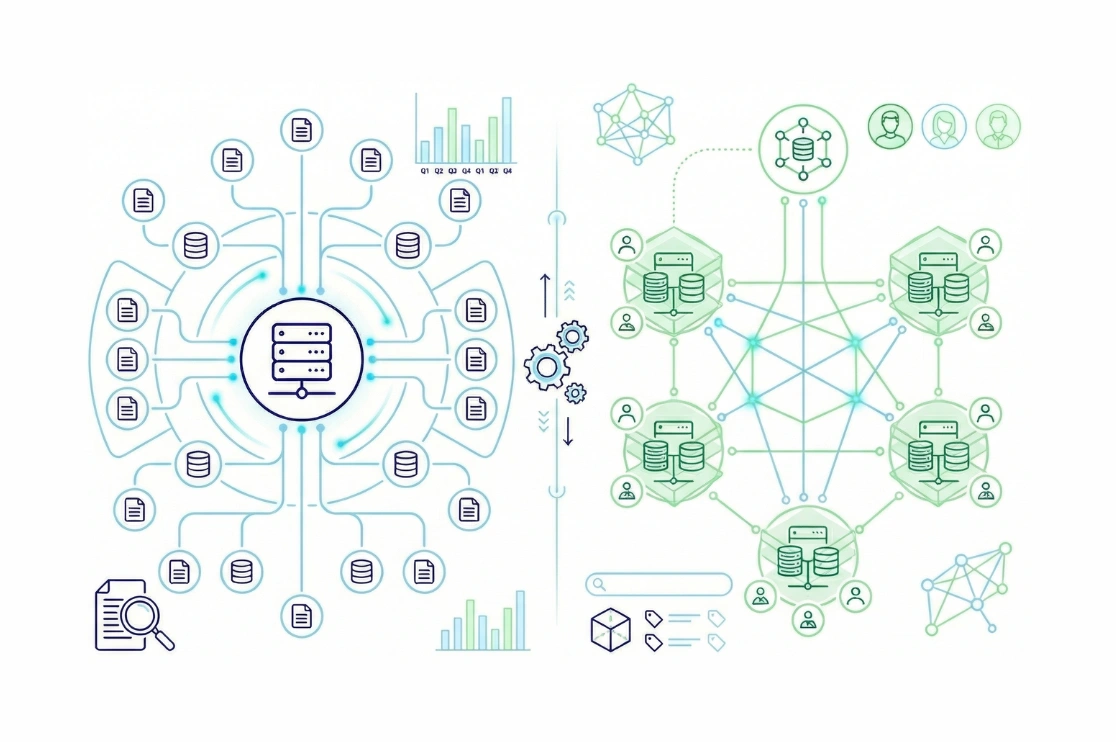 InsightCentralised, federated or hybrid governanceWhich governance model fits the organisation.Read the article
 InsightData governance for AI and advanced analyticsBuilding a governance foundation that works for AI.Read the article
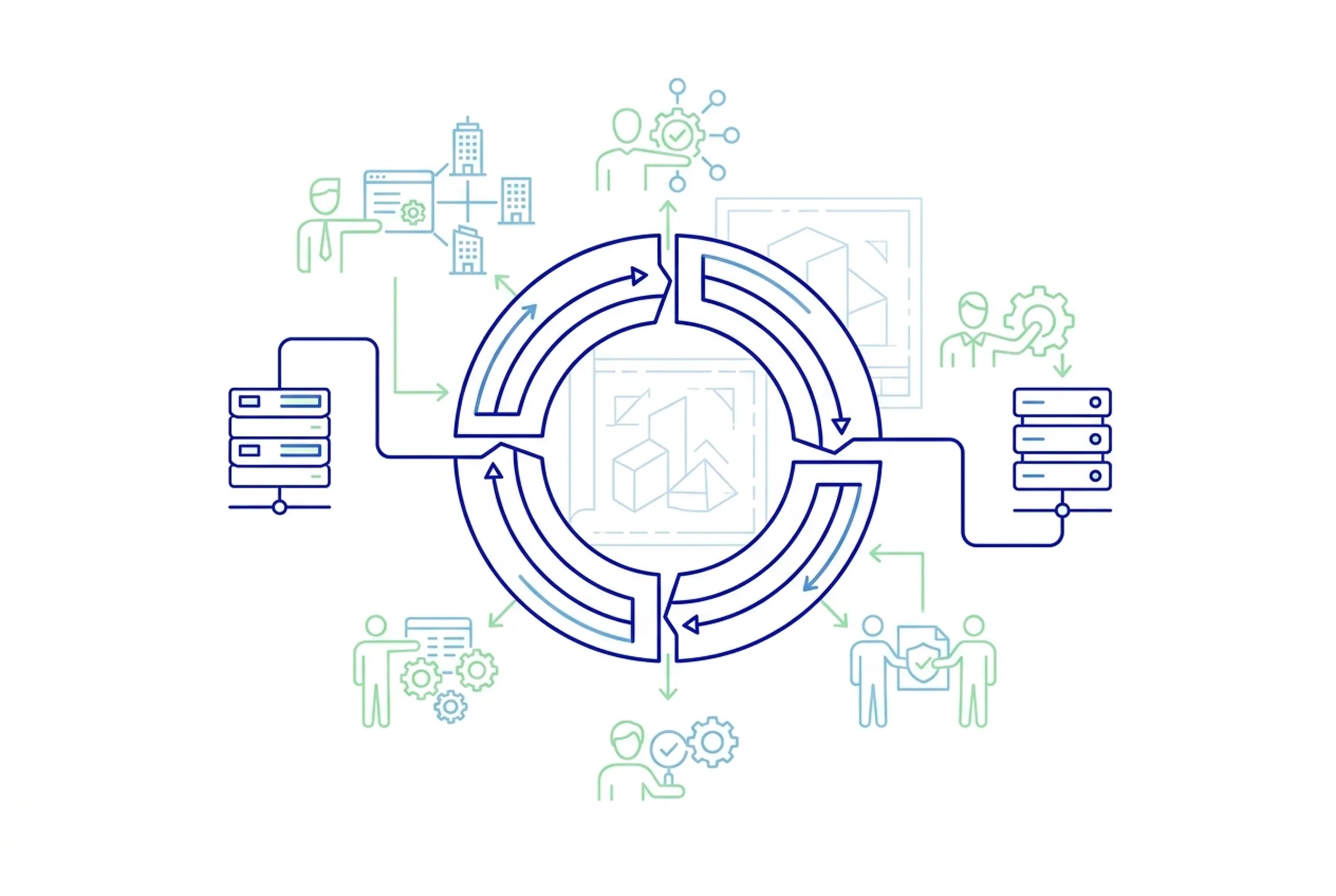 InsightData governance roles in AEC organisationsWho owns what, and how responsibilities are shared.Read the article
Questions about Standards & Classification Framework

OmniClass or MasterFormat?
Often both: MasterFormat for specifications, OmniClass for wider classification. The choice is mapped to the firm's work.
Does it change existing projects?
Existing projects can be mapped where it helps; new projects start from the framework.
Who maintains it afterwards?
A named owner inside the firm, with the guide to support them.
Can the framework cover models as well as documents?
Yes. Drawings, models, documents and records can share one framework, with rules for each.
"*" indicates required fields
Your information is used only to reply to this enquiry and is never shared outside BluEnt. Privacy policy
