




Capturing Knowledge From Meetings, Email & Documents
Decisions are made in meetings, confirmed by email and buried in documents. A construction project knowledge base gathers them in one place for each client, so the next team knows what was agreed and why.
- ScopeAgreed rules for what is kept
- HomeA single searchable home
- RoutineCapture built into daily work
- SeedingUseful knowledge from day one
Construction project knowledge base at a glance
 Who
- CIOs, operations and project leads
 Inputs
- meetings, email and project documents
 Outputs
- a searchable record for each client
 Who is responsible
- BluEnt configures; the firm controls what is captured
 Shape
- scoped service

The problem
When a person leaves or a project changes hands, what the client asked for leaves with them.
- "Why did we decide that?"A design decision is questioned months later, and no one remembers the reason. A captured decision answers it quickly.
- A key person leavesknowledge about a long-standing client leaves with the person who held it. A knowledge base keeps it with the firm.
- Repeat questions from clientsteams answer the same client questions again and again. Captured answers save time and stay consistent.
What the knowledge base captures
The record of what was agreed, kept for each client.
How the work runs
From the first look to a result the firm keeps.
Agree what to capture
BluEnt agrees with the firm which decisions and information are worth keeping, and who can see them.
Set up the place
BluEnt sets up one searchable place for client and project knowledge, on the firm's own platforms.
Build the routine
Capture is folded into normal project work, so it does not depend on extra effort.
Seed it
BluEnt starts with the clients and projects that matter most, so the knowledge base is useful from day one.
What the firm receives
Named outputs, agreed in writing before the work begins.
Written for the people who will use the capturing knowledge from meetings, email and documents work, and kept by the firm when it ends ends.
What this does not cover
Recording without consent; what is captured is agreed first. The firm decides what is captured and who can see it.
Lost when people move on, or kept for the next team
Where firms usually start with capturing knowledge from meetings, email and documents, and what changes once the work is done.
Who this is for
- Firms losing decisions between meetings, email threads and documents
- Project leads who need the history of a client or project quickly
- Leaders who want knowledge to stay when people move on

Delivery model and security
Offices in the US, Canada, the UK, the Netherlands and India. How delivery works.
SOC 2 Type I and Type II attestations held. Security & SOC 2.
Related links
Related services that often come next.
Insights
Perspectives from BluEnt on data governance.
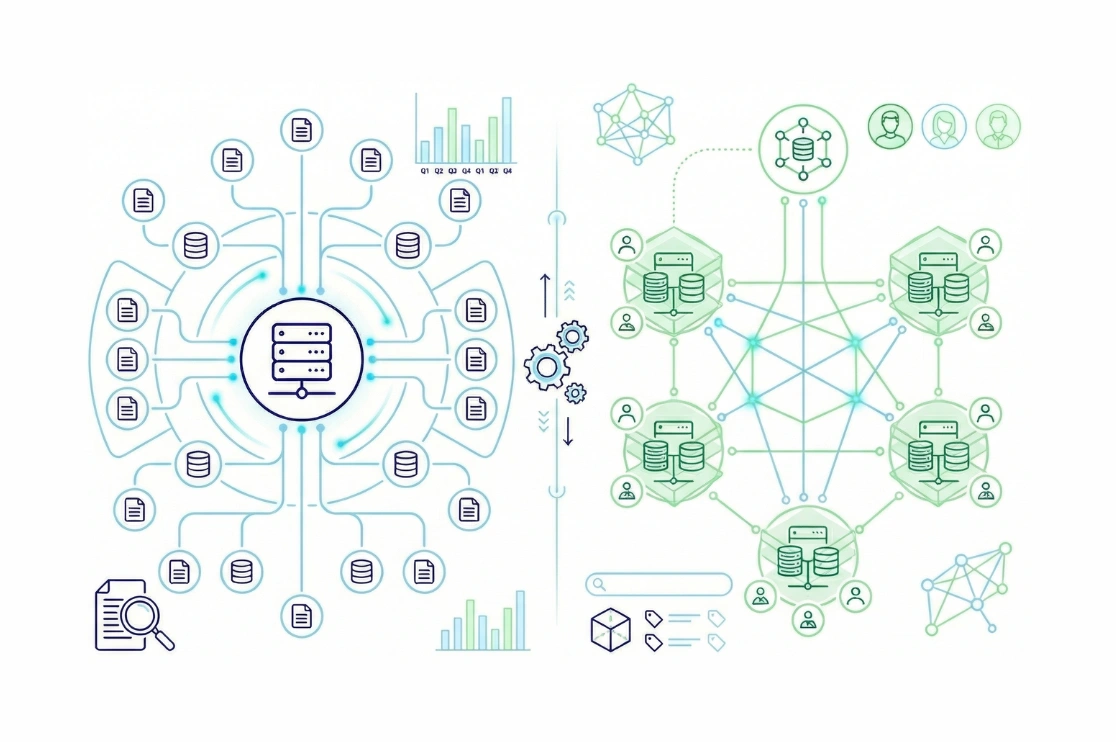 InsightCentralised, federated or hybrid governanceWhich governance model fits the organisation.Read the article
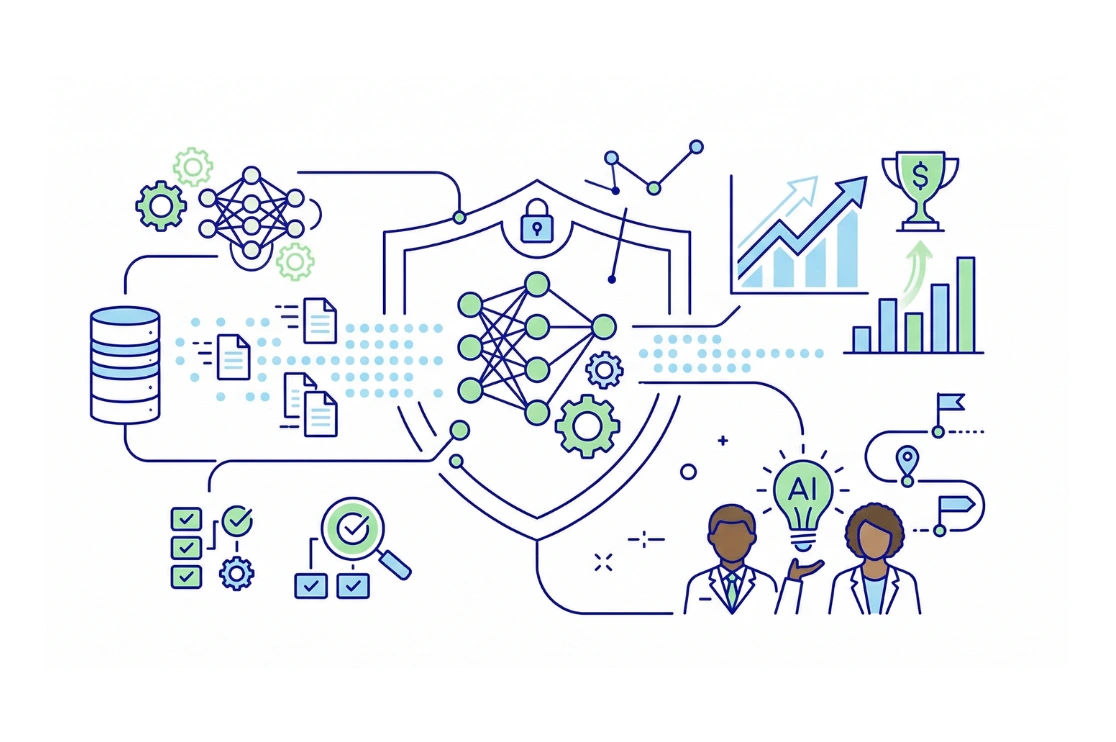 InsightData governance for AI and advanced analyticsBuilding a governance foundation that works for AI.Read the article
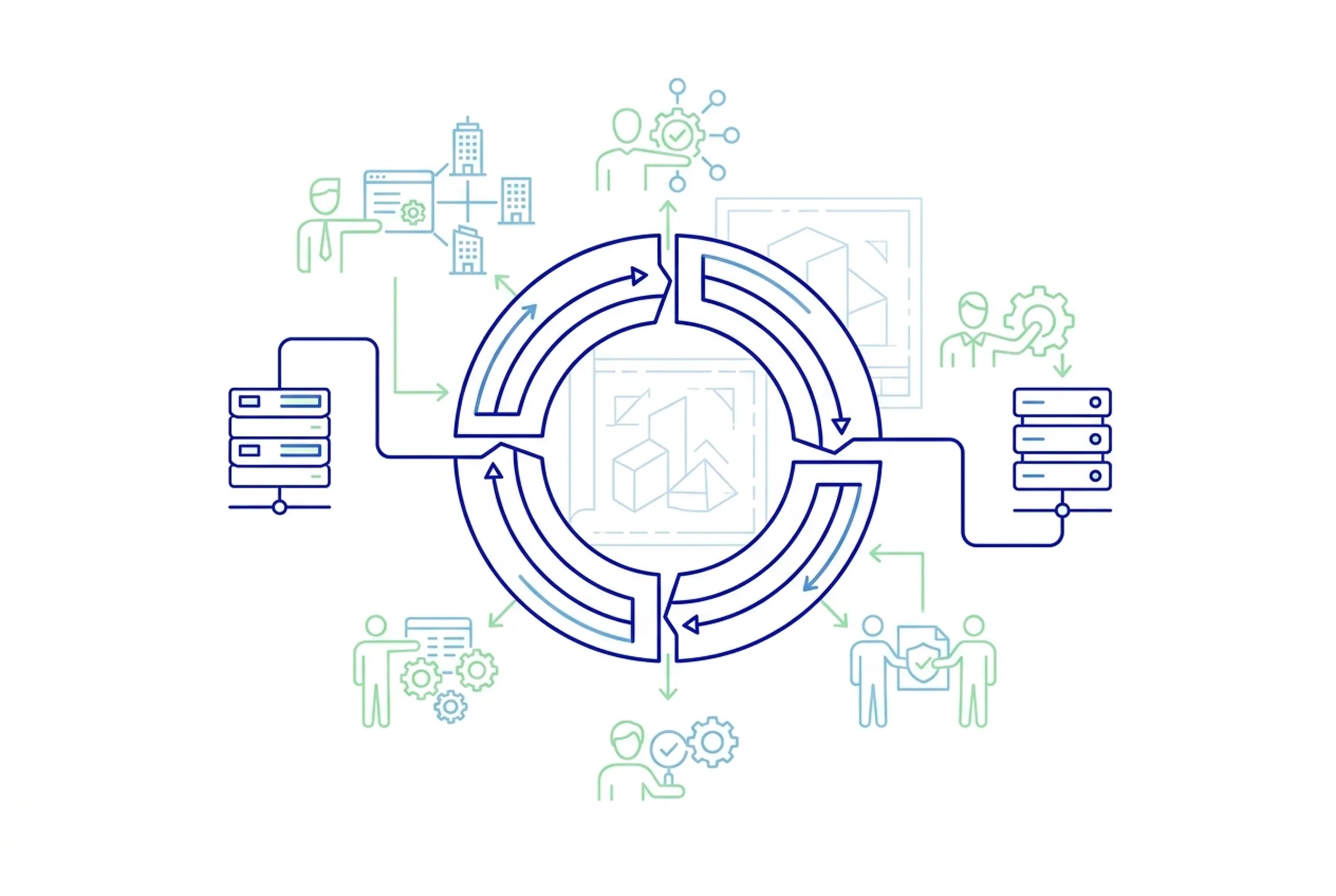 InsightData governance roles in AEC organisationsWho owns what, and how responsibilities are shared.Read the article
Questions about Capturing Knowledge From Meetings, Email & Documents

Are all meetings recorded?
Only those the firm agrees to capture, with participants informed.
Who can see the record?
Access is set by role.
Can AI search it?
Yes, once the information is in order.
Can it cover past projects?
Yes, starting with the clients and projects that matter most.
Does capture take a lot of extra time?
No. The routine is light and built into normal project work.
"*" indicates required fields
Your information is used only to reply to this enquiry and is never shared outside BluEnt. Privacy policy
