




CDE Structure & Rollout
A common data environment is the one controlled place where a project's files live, with agreed names, approvals and access. Common data environment setup for construction configures it on the platform a firm already uses, moves live projects in, and trains the people who run it.
- PlatformAn assessment of the existing platform
- DesignA structure for files and approvals
- ConfigurationRoles and permissions in place
- RolloutTeams using it from day one
Common data environment setup for construction at a glance
 Who
- information managers, heads of digital delivery
 Inputs
- the chosen platform and the firm's standards
 Outputs
- a configured environment, a template project and trained administrators
 Who is responsible
- BluEnt configures and trains; the firm runs it
 Shape
- fixed scope

The problem
Platforms are licensed but never set up properly, so every project is organised differently inside them.
- A platform that was never set upthe firm licensed a common data environment, but each project uses it differently. A configured structure gives every project the same starting point.
- Unclear file statusteams can't tell whether a file is in progress, shared or approved. Clear statuses remove the doubt.
- Too many people can approveapprovals happen informally, and mistakes slip through. Defined roles make approvals clear.
What a CDE setup delivers
The environment configured, populated and handed over.
How the work runs
From the first look to a result the firm keeps.
Review the platform
BluEnt studies the current setup and how projects use it today.
Design the structure
BluEnt designs the folder structure, file statuses and approval steps, in North American terms.
Configure
BluEnt configures the environment, roles and permissions on the existing platform.
Roll out
BluEnt hands over with hands-on training for each project team.
What the firm receives
Named outputs, agreed in writing before the work begins.
Written for the people who will use the CDE structure and rollout work, and kept by the firm when it ends ends.
What this does not cover
Platform licences. The platform stays the firm's own; it is configured, not replaced.
Licensed, or actually set up
Where firms usually start with CDE structure and rollout, and what changes once the work is done.
Who this is for
- Firms without a working common data environment or with one that was never fully set up
- BIM and information managers who need one controlled place for project files
- Project teams who want clear status and approval for shared files

Delivery model and security
Offices in the US, Canada, the UK, the Netherlands and India. How delivery works.
SOC 2 Type I and Type II attestations held. Security & SOC 2.
Related links
Related services that often come next.
Insights
Perspectives from BluEnt on data governance.
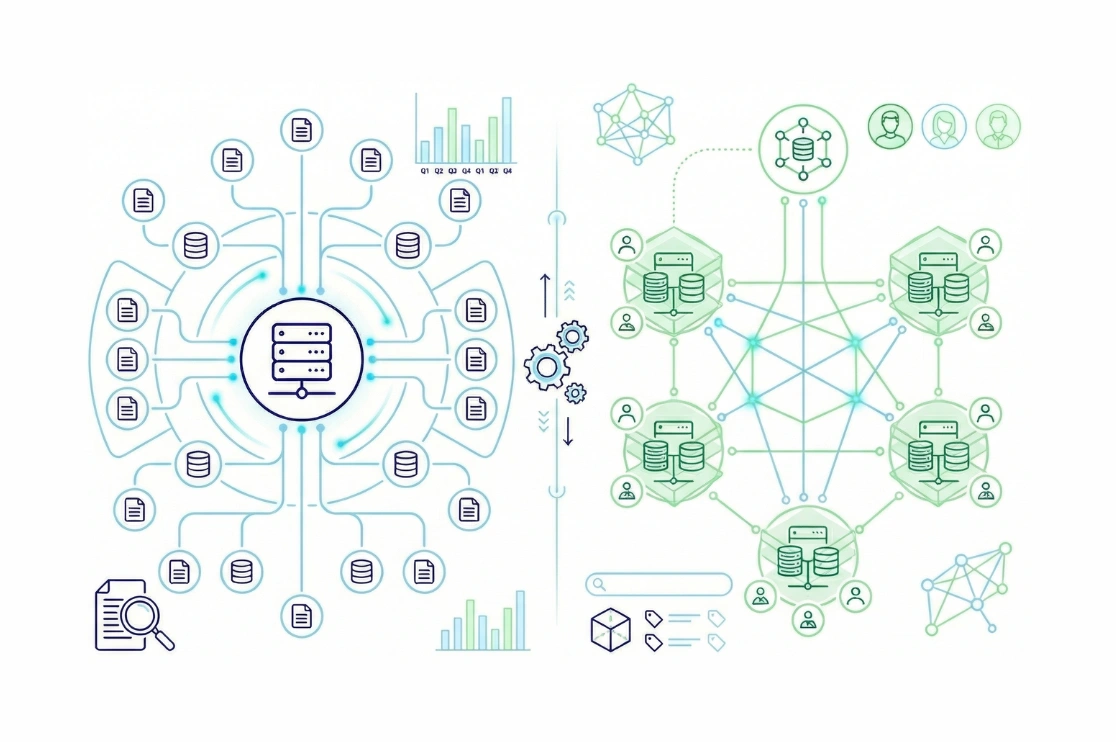 InsightCentralised, federated or hybrid governanceWhich governance model fits the organisation.Read the article
 InsightData governance for AI and advanced analyticsBuilding a governance foundation that works for AI.Read the article
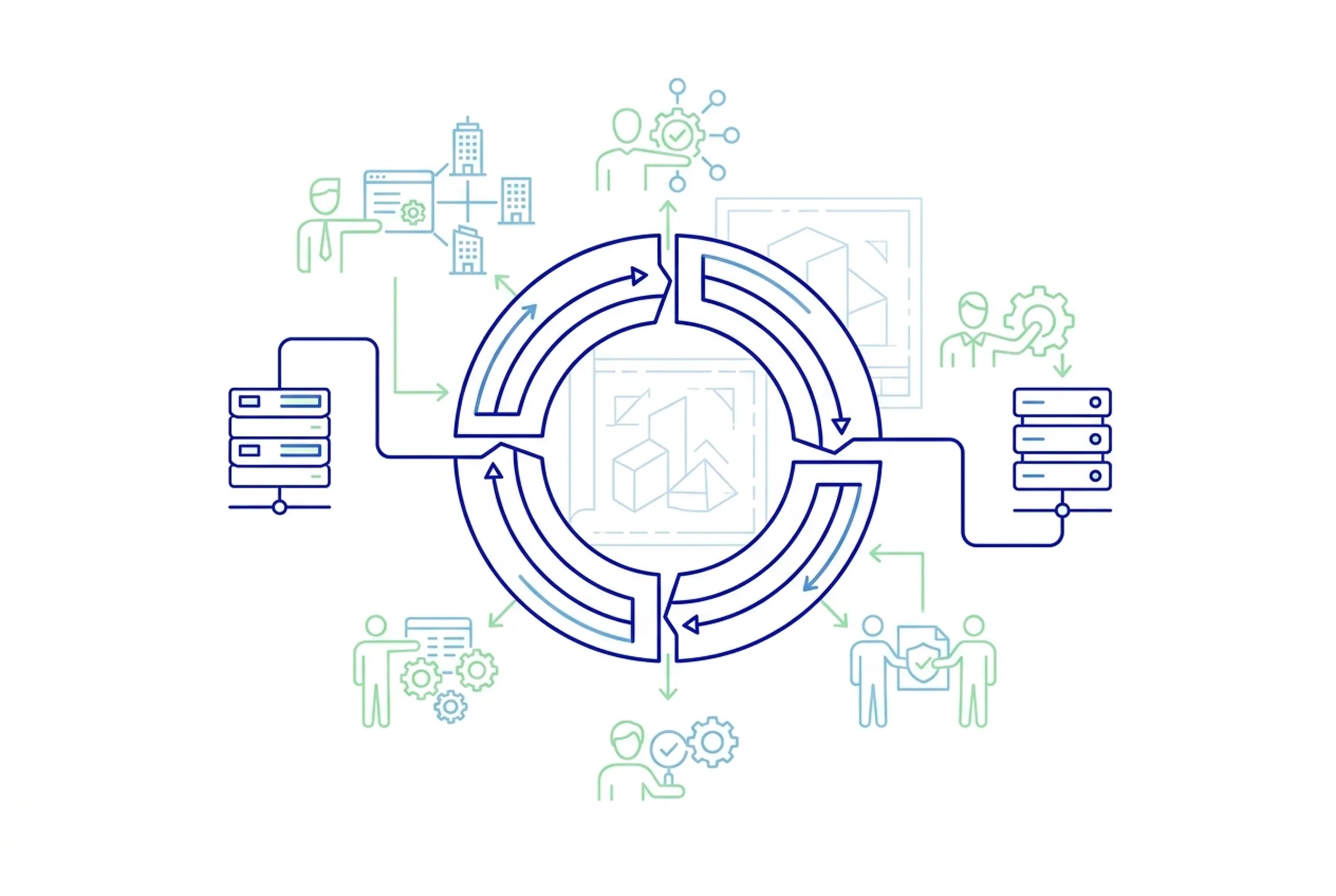 InsightData governance roles in AEC organisationsWho owns what, and how responsibilities are shared.Read the article
Questions about CDE Structure & Rollout

Are current projects moved in?
Yes. Live project migration is part of the work.
Who runs it afterwards?
The firm's administrators, trained at handover.
Does the firm have to buy a new platform?
No. The environment is configured on the platform it already uses.
Which terms are used?
North American practice, matched to the firm's own project stages.
"*" indicates required fields
Your information is used only to reply to this enquiry and is never shared outside BluEnt. Privacy policy
