




Making an Existing Document Estate AI-Ready
To make construction data AI-ready, the documents a firm already holds are named, structured, cleared of duplicates and checked for who can see them. AI tools then read one current, trusted version, not years of copies.
- ReachThe files AI would read
- ProblemsA list of what needs fixing
- ProposalsChanges approved by the firm
- ConfirmationOne current version of each file
Make construction data AI ready at a glance
 Who
- CIOs and AI sponsors
 Inputs
- the existing document estate
 Outputs
- a structured, de-duplicated, access-checked estate
 Who is responsible
- BluEnt carries out the work; the firm approves each change
 Shape
- scoped service

The problem
Years of files, copies and drafts sit together.
AI cannot tell the current version from the old one.
- AI gives outdated answersa pilot AI tool quotes an old specification revision. Clearing outdated versions means it reads the current one.
- Sensitive files within reachpersonal or confidential information sits in folders an AI tool can reach. Classification and access rules keep it protected.
- Years of duplicated filesthe same documents exist in many places. Clean-up gives AI and people one correct version to work from.
How the work runs
From the first look to a result the firm keeps.
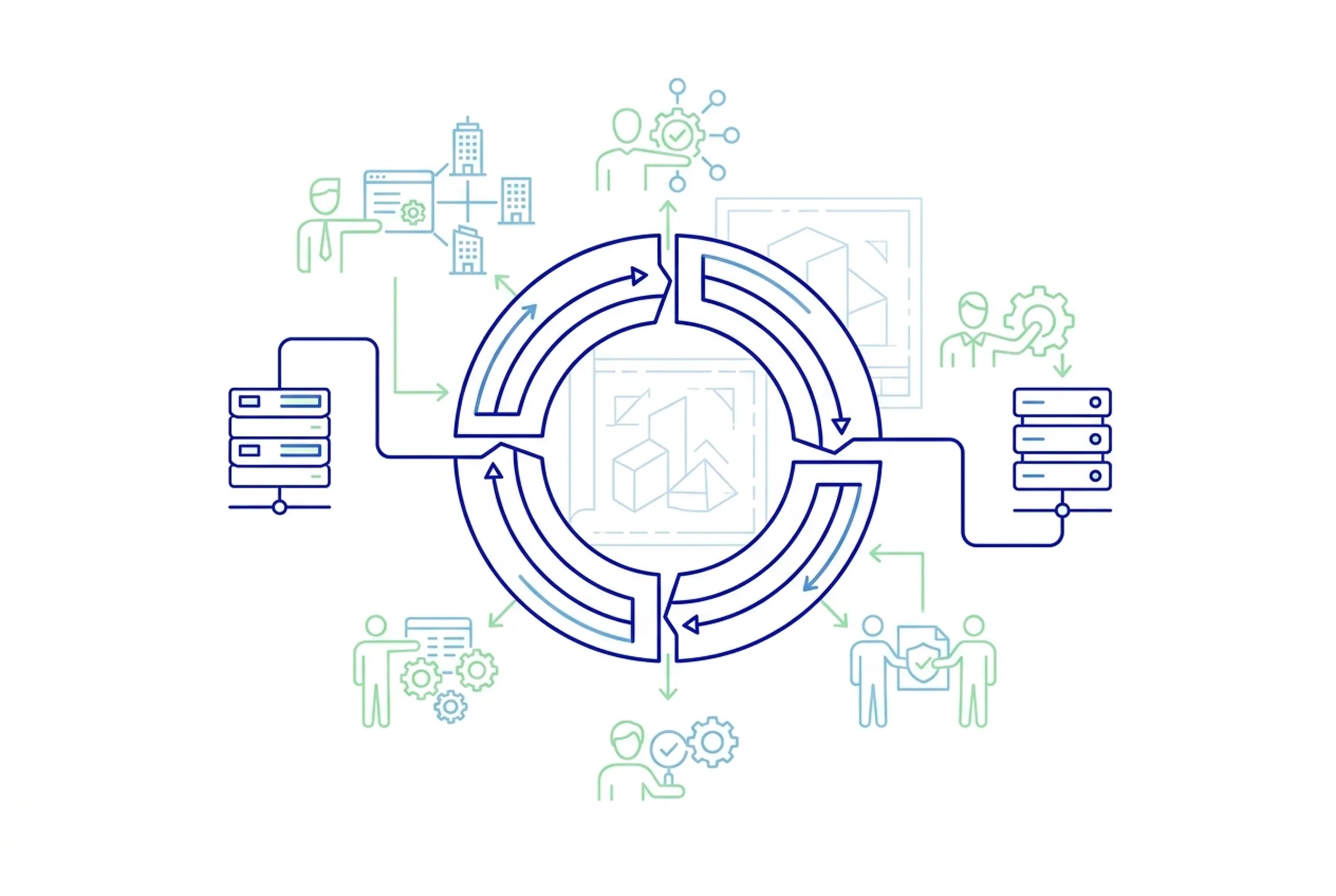
Name
Files renamed to the agreed standard
Structure
Files moved into the agreed folders
De-duplicate
Copies removed or linked to one current version
Retire
Outdated files archived by rule
Check access
Permissions matched to roles
What the firm receives
Named outputs, agreed in writing before the work begins.
Written for the people who will use the making an existing document estate ai-ready work, and kept by the firm when it ends ends.
What this does not cover
Deciding which AI tools to buy. Each change to the estate is approved by the firm before it is made.
What it covers
What the work looks at, and where it usually applies.
Every boundary of the making an existing document estate ai-ready scope is confirmed in writing first.
- Duplicates and outdated versions addressed
- Sensitive content classified and protected
- A clear current version for each document
- Access set by role, so AI reads only what it should
- Changes made only with the firm's approval
Years of copies, or one trusted version
Where firms usually start with making an existing document estate ai-ready, and what changes once the work is done.
Who this is for
- Firms planning AI on their documents that want trustworthy answers
- IT and information managers facing years of duplicated and outdated files
- Leaders who want AI to read only what can be trusted

Delivery model and security
Offices in the US, Canada, the UK, the Netherlands and India. How delivery works.
SOC 2 Type I and Type II attestations held. Security & SOC 2.
Related links
Related services that often come next.
Insights
Perspectives from BluEnt on data governance.
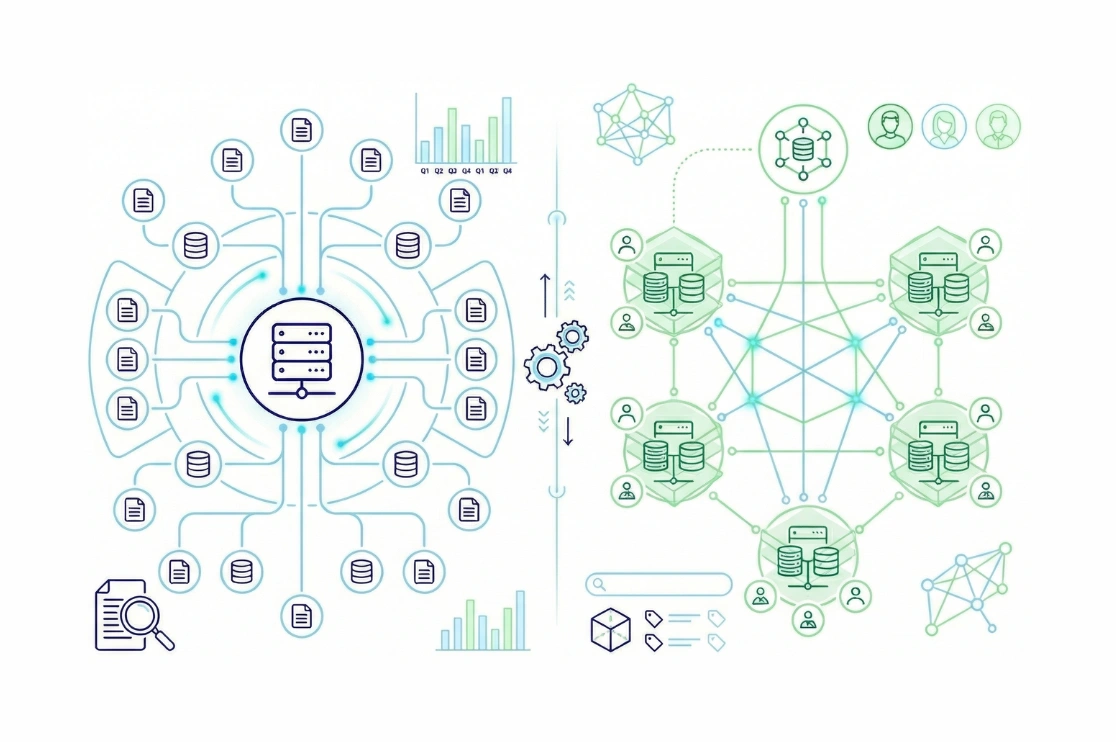 InsightCentralised, federated or hybrid governanceWhich governance model fits the organisation.Read the article
 InsightData governance for AI and advanced analyticsBuilding a governance foundation that works for AI.Read the article
 InsightData governance roles in AEC organisationsWho owns what, and how responsibilities are shared.Read the article
Questions about Making an Existing Document Estate AI-Ready

Is this the same as the AI-Readiness Assessment?
The assessment shows what state the estate is in. This work puts it in order.
Are any files deleted?
Only what the firm approves; outdated files are archived by rule.
Can it be done in stages?
Yes. The most-used areas come first.
Which part of the estate comes first?
Usually active projects, then the archives AI will be asked about.
Does this work for tools other than Copilot?
Yes. The same clean-up helps any AI tool that reads the firm's documents.
How does the firm know it is ready?
The current version of each document is clear, and access matches the intended use.
"*" indicates required fields
Your information is used only to reply to this enquiry and is never shared outside BluEnt. Privacy policy
