




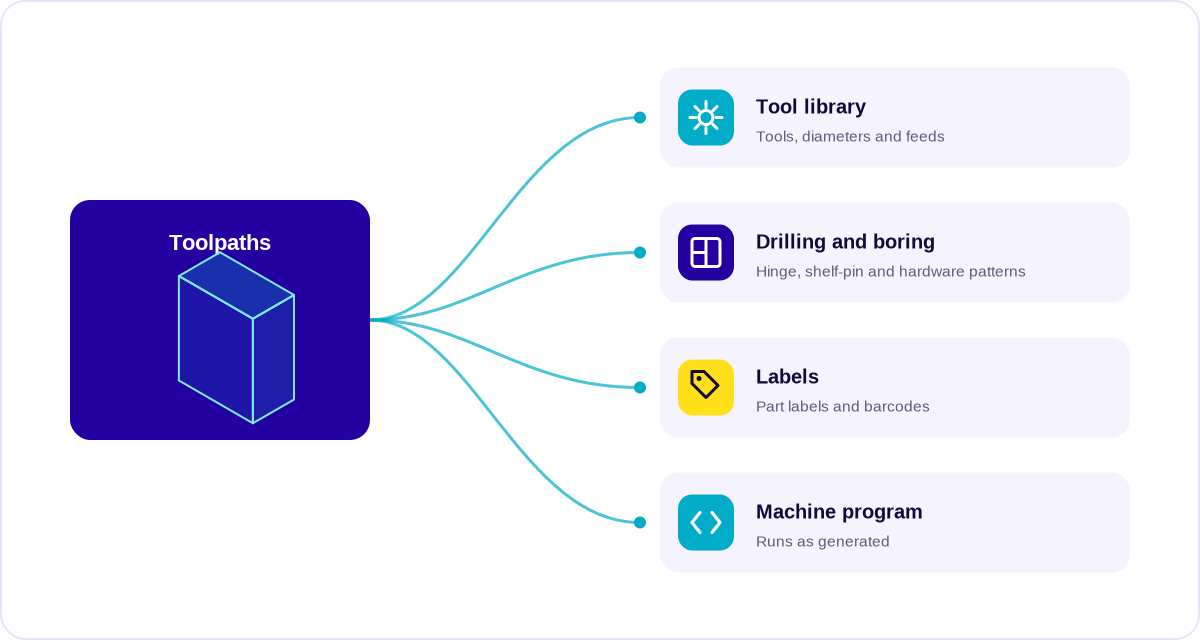
CNC post-processor configuration sets up the translator between fabrication software and the machine. When it is right, programs run as generated.
When it is wrong, someone edits files by hand before every run, and each edit is a chance to cut the wrong part.
At a glance
 Who it is for
- Millwork and casework shops running Cabinet Vision or Microvellum with CNC machines
 Inputs
- The firm’s fabrication software, machine details, tool library and sample programs
 Outputs
- Configured post-processors, dry-run results, and a record of every setting changed
 Who is responsible
- BluEnt configures and tests. The firm’s machine operator signs off the dry run
 Engagement shape
- Scoped work with named outputs, agreed in writing before work begins

What a post-processor does
A post-processor turns toolpaths from Cabinet Vision or Microvellum into the exact program one machine expects.
It holds that machine’s tools, origins, drilling patterns and label output.
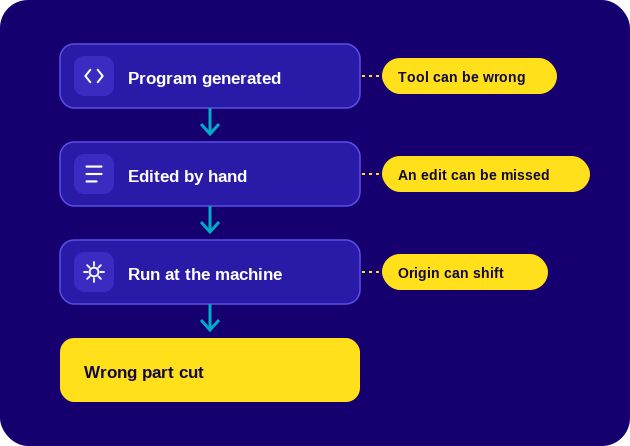
When the configuration does not match the machine as it is equipped, the program is corrected by hand at the machine before every run. That knowledge usually sits with one operator, and a missed edit becomes a wrong part.
What CNC post-processor configuration covers
Post-processors set up for the firm’s machines and tested before production use.
| Area | What it covers |
|---|---|
| Tool library | Tools, diameters and feeds matched to the machine as it is equipped |
| Origins and orientation | Sheet origins, part orientation and spoilboard settings |
| Drilling and boring | Patterns for hinges, shelf pins and hardware, matched to the machine head |
| Labels | Part labels and barcodes timed and placed for the shop’s routine |
| Program output | File format and naming the machine and the shop floor expect |
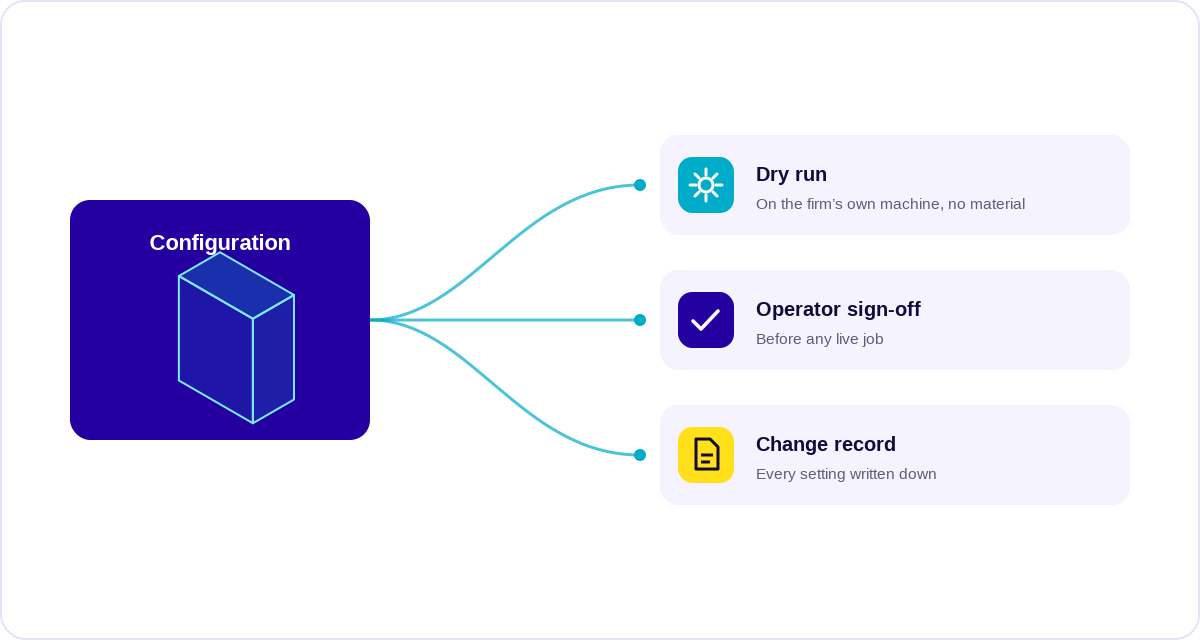
| Change record | Every setting changed, written down for the firm |
How the work runs
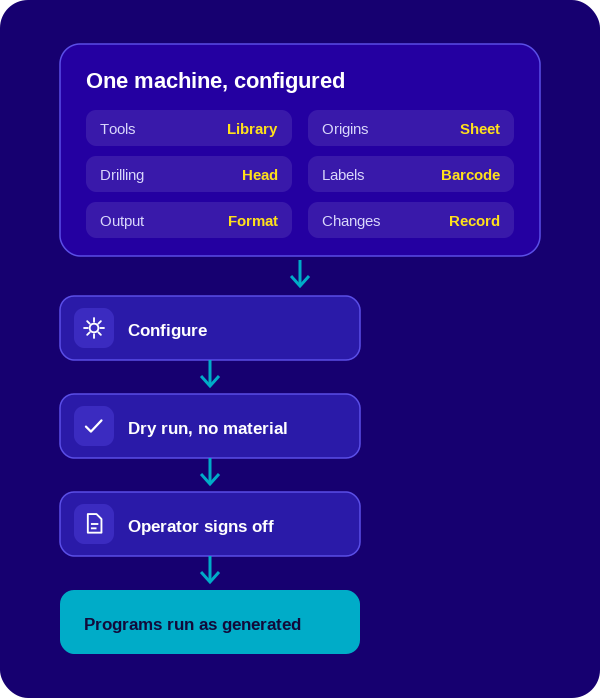
From the firm’s machines and programs today to post-processors proven in a dry run.
Review
The current programs, the hand edits made today and the machine setup are reviewed with the machine operator.
Agree the changes
BluEnt drafts the changes; the firm approves them.
Configure
The post-processors are configured by BluEnt, away from the machine.
Dry run
Each configuration is run on the firm’s machine without material, and every issue is resolved with the operator.
Hand over
The work is handed over with the change record.

Hand-edited programs, or a configured post-processor
Before each run
Hand-edited programs: Files corrected by hand
Configured post-processor: Programs run as generated
Where knowledge lives
Hand-edited programs: With one operator
Configured post-processor: In a documented configuration
What a new machine needs
Hand-edited programs: Workarounds, learned by one person
Configured post-processor: A configuration, tested in a dry run
Risk on the shop floor
Hand-edited programs: A missed edit becomes a wrong part
Configured post-processor: Problems found in the dry run, before material is cut
Proven before production
No change reaches production untested. Each configuration is proven in a dry run on the firm’s own machine, without material, and signed off by the operator before it is used on a live job. A shop running more than one machine has a configuration for each, and each is proven in its own dry run. Later changes follow the same rule.
What this does not cover
- Machine hardware, controller servicing and operator training are not included.
- Software licences are not supplied or resold.
Drawing production is delivered through bluentcad.com, not through this service.

Delivery model and security
Offices in the US, Canada, the UK, the Netherlands and India. How delivery works.
SOC 2 Type I and Type II attestations held. Security & SOC 2.
Questions AEC professionals ask

Will the machine be out of production during the work?
Only for the dry runs, which are planned with the shop to fit its schedule. Configuration itself is done away from the machine.
Which software does this cover?
Post-processors used by Cabinet Vision and Microvellum. Naming a product describes the work; it is not a partnership claim.
What if the shop runs more than one machine?
Each machine has its own configuration, and each is proven in its own dry run.
Who keeps the configuration current?
The firm does, using the change record. Any later change follows the same rule: tested in a dry run before production.
What happens to the hand edits made today?
They are reviewed with the operator first, so the configuration captures what the edits were correcting.
Are part labels and barcodes included?
Yes. Labels and barcodes are timed and placed for the shop’s routine, as part of the configuration.
"*" indicates required fields
Your information is used only to reply to this enquiry and is never shared outside BluEnt. Privacy policy
