




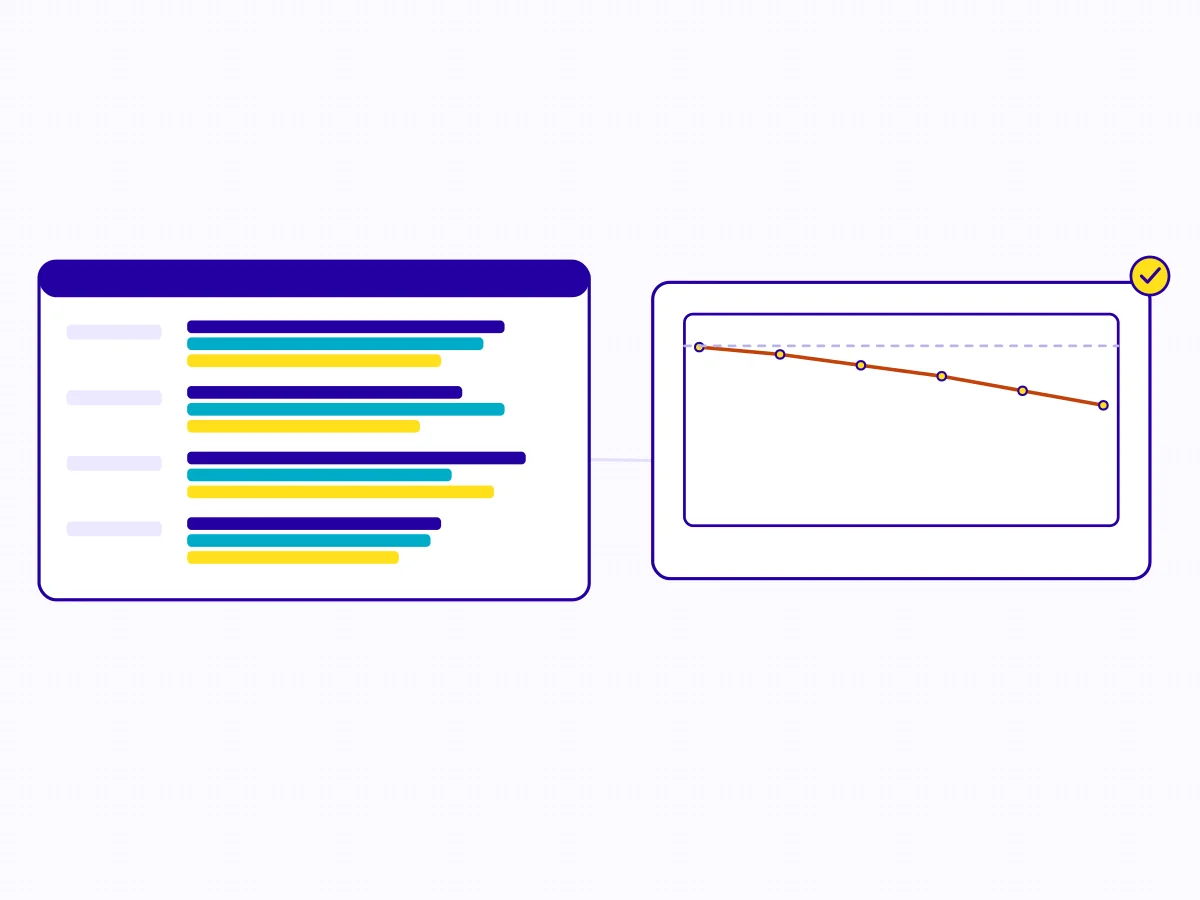
WIP reporting for construction shows, project by project, how much of each contract has been earned, billed and spent, and whether margin is holding.
Built on reconciled data, it ties to the ledger, so the month-end WIP schedule is read rather than rebuilt.
At a glance
 Who it is for
- CFOs, controllers and project executives
 Inputs
- Job cost, contract values, billing and cost-to-complete estimates from the firm’s systems
 Outputs
- A WIP schedule and margin views, refreshed on a schedule and tied to the ledger
 Engagement shape
- Built after the data underneath is reconciled; agreed in writing before work begins
 How it starts
- A Project Data Walkthrough, at no charge

Why WIP takes days every month
In many firms, the WIP schedule is rebuilt in a spreadsheet at each month-end.
Cost comes from accounting, estimates from project managers, and billing from another report.
Assembling them takes days, and margin fade is often noticed only when it is already large, too late to change the outcome on the job.
One WIP schedule, three inputs
Where each column comes from at month-end
| Cost to date | Exported from accounting |
|---|---|
| Cost to complete | Emailed by project managers |
| Billed to date | Copied from another report |
What WIP reporting for construction shows
Work in progress and margin for every job, from reconciled cost and billing data.
| View | What it shows |
|---|---|
| WIP schedule | Contract value, cost to date, cost to complete, percent complete, earned revenue and billed to date |
| Over and under billing | Where billing runs ahead of, or behind, the work earned |
| Margin by project | Forecast margin against the original estimate |
| Margin fade | Projects whose margin is narrowing, month by month |
How the WIP schedule is built
Who this is for
The roles who need WIP they can trust at month-end.
CFO or VP Finance
Does WIP tie to the ledger, and is margin holding on every job?
For CFOs & Finance LeadersController
Can the WIP schedule be read at month-end instead of rebuilt?
Project Executive
Which jobs are losing margin, and how early can that be seen?
For Directors of Project ControlsHow the work runs
WIP reporting is built after the data underneath reconciles.
Check the groundwork
Job cost, contract and billing data are confirmed to reconcile with the ledger, or brought into order first.
Agree the WIP method
The firm’s own way of calculating earned revenue and margin is agreed with finance.
Build the views
The WIP schedule, billing position and margin views are built on the reconciled model.
Review at month-end
The views are reviewed with finance at month-end, then refreshed on a schedule.

Rebuilt each month, or read each month
Preparing the WIP schedule
Rebuilt each month: Days in a spreadsheet
Read each month: Refreshed from the model
Tie to the ledger
Rebuilt each month: Checked by hand, if at all
Read each month: Built in from the start
Margin fade
Rebuilt each month: Noticed when it is already large
Read each month: Visible as it begins
Over and under billing
Rebuilt each month: Worked out separately
Read each month: Shown for every job
Margin fade, seen early
Margin rarely disappears in one month. It narrows a little at a time. Showing the trend for every project makes the narrowing visible while there is still time to act. Like every report, it is built on reconciled data: source systems connected through construction ERP data integration, and modelled in the construction data warehouse.
Margin, month by month
How fade shows up on one project
| Original estimate | The margin the job was won at |
|---|---|
| Each month since | A little narrower than the last |
| Seen early | While there is still time to act |
What this does not cover
- Cost-to-complete estimates come from the firm’s project teams. The report presents them; it does not produce them.
- Accounting, audit and revenue-recognition advice stays with the firm’s accountants and auditors.
Drawing and model production are delivered through bluentcad.com, not through this service.

Delivery model and security
Offices in the US, Canada, the UK, the Netherlands and India. How delivery works.
SOC 2 Type I and Type II attestations held. Security & SOC 2.
Questions AEC professionals ask

Does the WIP report replace the accounting system’s own?
No. It reads from the accounting system and ties to it. The ledger remains the system of record.
Where do cost-to-complete estimates come from?
From the firm’s project teams, through the process they already use. The report brings them together with cost and billing.
What if the data underneath does not reconcile?
Then that comes first. A WIP report on unreconciled data would not tie to the ledger, and finance would rightly not trust it.
Whose WIP method is used?
The firm’s own. The way earned revenue and margin are calculated is agreed with finance before anything is built.
Can over and under billing be seen for every job?
Yes. Billing is compared with work earned, project by project, in the same view as margin.
Where does WIP and margin reporting work usually begin?
With a Project Data Walkthrough, at no charge, centred on WIP and margin reporting: one page naming the specific problems found, and one named next step.
"*" indicates required fields
Your information is used only to reply to this enquiry and is never shared outside BluEnt. Privacy policy
