




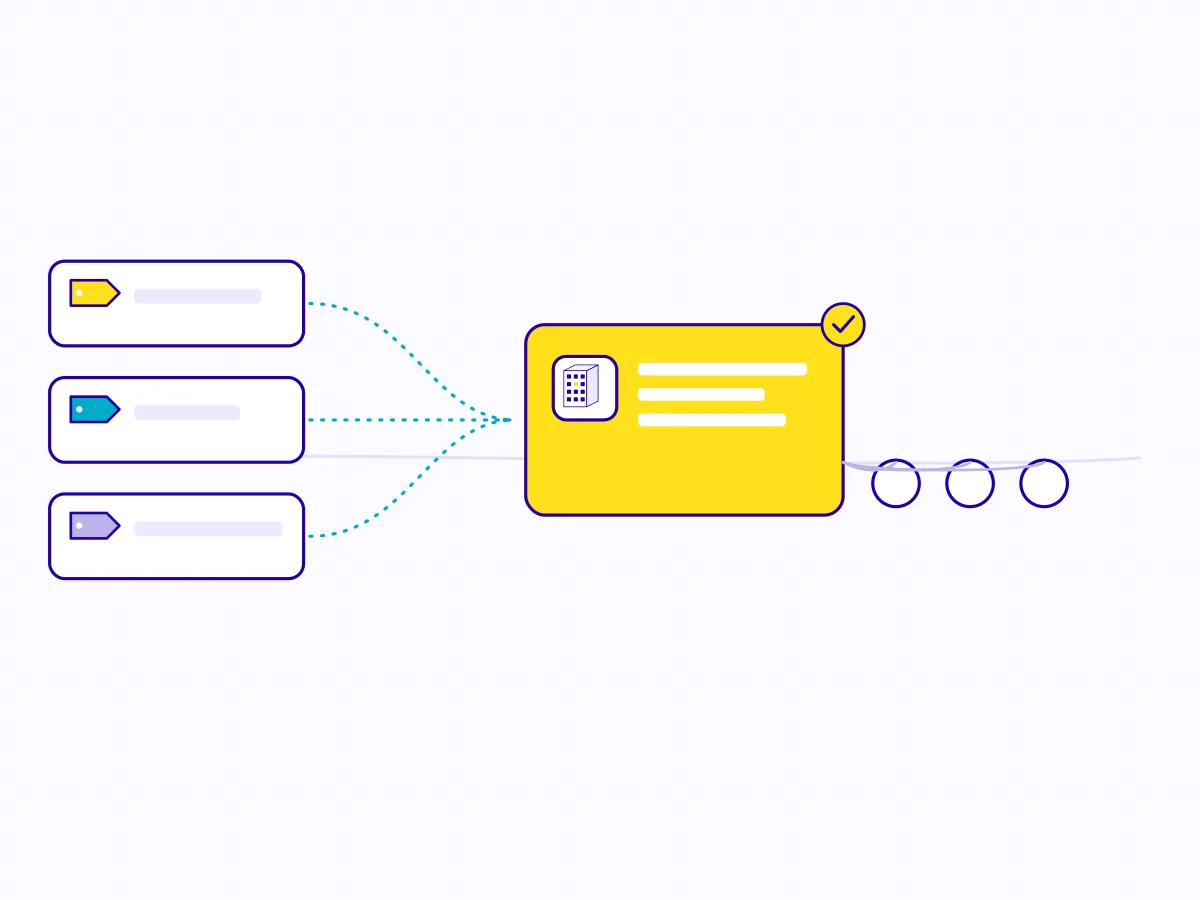
Construction master data management gives every project and every vendor one governed record, matched across the accounting, project and scheduling systems.
Reports then count each project and each vendor once, under one name.
At a glance
 Inputs
- Project and vendor records from each source system, and the people who maintain them
 Outputs
- Master project and vendor records, matching rules, and a stewardship routine
 Who is responsible
- BluEnt builds the matching. Named data stewards at the firm approve matches and own the records
 Engagement shape
- A build with named outputs, agreed in writing before work begins
 How it starts
- A Project Data Walkthrough, at no charge

Why the same project has several names
Each system numbers projects its own way.
Accounting uses a job number, the project team a project code, the schedule a file name.
Vendors are entered again in each system, with small spelling differences. Reports that join these systems either miss matches or count the same project twice.
One project, three names
How each system records the same job
| Accounting | A job number |
|---|---|
| Project tool | A project code |
| Schedule | A file name |
What construction master data management puts in place
One master record for each project and vendor, matched across every system.
| Element | What it does |
|---|---|
| Master project record | One identity per project, linked to its number in every system |
| Master vendor record | One record per vendor, with duplicates resolved |
| Matching rules | How records from each system are matched, written down and agreed |
| Stewardship routine | Who approves new matches, and how often |
How records become one master version
Who this is for
The roles who need every project and vendor counted once.
Head of Estimating
Are past projects counted once, so bid history is accurate?
Preconstruction & Bid AnalyticsInformation Manager
Who owns each record, and who approves a new match?
For Information ManagersCFO or VP Finance
Is spend with each vendor counted once, across every system?
For CFOs & Finance LeadersHow the work runs
From the names each system uses today to one agreed master record.
Profile
Project and vendor records are profiled in each system by BluEnt.
Agree the matching rules
BluEnt drafts the rules and the firm approves them, naming the data stewards.
Build
The master records and the matching are built by BluEnt.
Review
Matches are reviewed with the stewards, and every exception is resolved.
Hand over
The work is handed over with the stewardship routine.

Several names, or one master record
How a project is counted
Several names: Once per system it appears in
One master record: Once, under one name
Duplicate vendors
Several names: Spread across systems
One master record: Resolved into one record
New projects
Several names: Entered again, slightly differently
One master record: Matched as they appear
Who decides a match
Several names: Whoever builds the report
One master record: A named data steward
Stewards decide, rules propose
Matching is never left entirely to software. The matching rules propose which records belong together, and named data stewards at the firm approve them. The source systems are not changed: the master record links to each system’s own number.
How a new record is handled
Through the stewardship routine
| Clear match | Linked to the master record |
|---|---|
| Possible match | Sent to a steward to approve |
| No match | Created as a new master record |
What this does not cover
- Vendor onboarding and compliance checks stay with the firm’s procurement team.
- Cleaning records inside the source systems remains with the firm. The master record shows where to start.
Drawing and model production are delivered through bluentcad.com, not through this service.

Delivery model and security
Offices in the US, Canada, the UK, the Netherlands and India. How delivery works.
SOC 2 Type I and Type II attestations held. Security & SOC 2.
Questions AEC professionals ask

Who decides when two records are the same?
Named data stewards at the firm. The matching rules propose; the stewards approve.
Do the source systems change?
No. The master record links to each system’s own number without changing it.
How are new projects handled?
Through the stewardship routine: new records are matched as they appear and approved by a steward.
Does this cover vendors as well as projects?
Yes. Vendors entered separately in each system are resolved into one record, so spend is counted once.
How much of the stewards’ time does it take?
The routine is agreed with the firm, and only possible matches reach a steward; clear matches are linked under rules the stewards approved.
Where does project and vendor master data work usually begin?
With a Project Data Walkthrough, at no charge, centred on project and vendor master data: one page naming the specific problems found, and one named next step.
"*" indicates required fields
Your information is used only to reply to this enquiry and is never shared outside BluEnt. Privacy policy
