




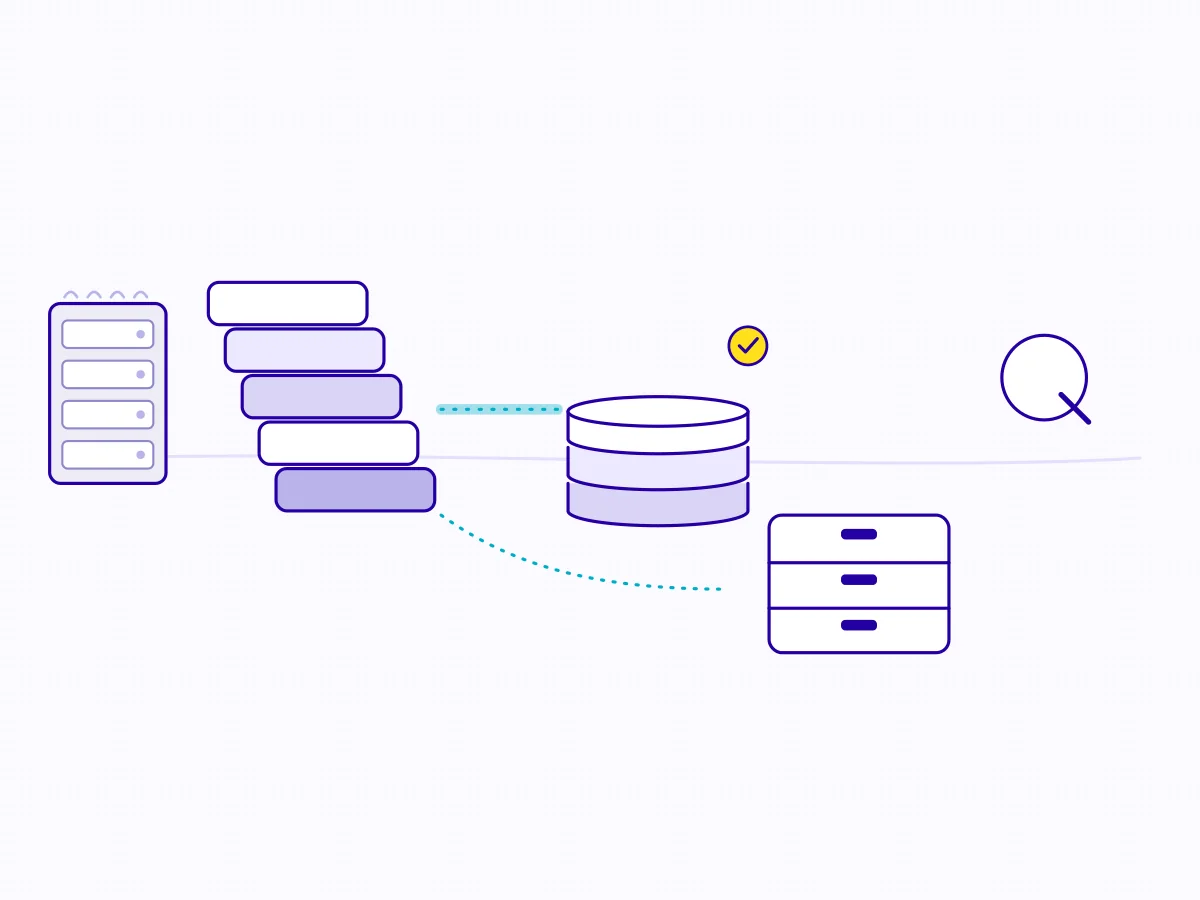
Construction data migration and archive work loads years of project history into the data model, checks it against the original totals, and retires the old systems that held it.
The history becomes usable for analysis, and nothing is lost when a system is switched off.
At a glance
 Inputs
- Access to current and legacy systems, and the reports that describe their history
 Outputs
- History loaded and checked, a searchable archive, and a retirement plan for each legacy system
 Who is responsible
- BluEnt loads, checks and archives. The firm decides what to keep and approves each retirement
 Engagement shape
- Scoped work with named outputs, agreed in writing before work begins
 How it starts
- A Project Data Walkthrough, at no charge

Why history matters
The best guide to the next bid is the record of past bids like it.
That history usually sits in old systems, in formats no current report can read.
Often those systems are kept running only to preserve what they hold, with licences, servers and the one person who still knows how to query them.
Years of history, out of reach
Where past project data sits today
| Legacy system | Kept running only to preserve it |
|---|---|
| Old exports | In formats no report can read |
| Current model | Only recent years |
What construction data migration and archive work covers
Past years brought into the model, and old systems retired in an agreed order.
| Area | What it covers |
|---|---|
| Historical backload | Past years of project, cost and vendor data loaded into the model |
| Year-by-year checks | Each year’s totals compared with the original system’s reports |
| Searchable archive | Records that do not belong in the model kept in a form people can still find |
| System retirement | A step-by-step plan to switch off each legacy system safely |
How history is brought across
Who this is for
The roles who need past projects to be findable and usable.
Head of Estimating
Can past bids and outcomes like this one be found and compared?
Preconstruction & Bid AnalyticsCIO
Which legacy systems can be switched off, and when is it safe?
For CIOs & IT DirectorsInformation Manager
Is every record kept that the firm’s own retention rules require?
For Information ManagersHow the work runs
From what each old system holds to history the firm can report on.
Inventory
The legacy systems, and what each one holds, are inventoried by BluEnt.
Agree what is kept
BluEnt drafts what goes into the model and what goes into the archive; the firm approves it.
Load and check
History is loaded and checked year by year.
Archive
The remaining records are archived in searchable form.
Retire
Each system is retired once the business confirms access, by the firm with BluEnt.

Kept running, or brought across
Where history sits
Kept running: In systems kept alive to preserve it
Brought across: In the model, or a searchable archive
Who can use it
Kept running: Whoever still knows the old system
Brought across: Anyone with access to the reports
How it is checked
Kept running: It is not
Brought across: Year by year, against the original totals
The old system
Kept running: Running, with its costs
Brought across: Retired, once access is confirmed
Into the model, or into the archive
Not everything belongs in the model. Data useful for analysis, such as past project, cost and vendor history, is loaded and checked. Other records are kept in a searchable archive, so they can still be found when needed. The firm’s own retention rules decide what is kept; retention policy itself is covered under information governance.
Where each record goes
Decided with the firm, before anything is moved
| Useful for analysis | Loaded into the model and checked |
|---|---|
| Needed for reference | Kept in the searchable archive |
| Beyond retention | Handled by the firm’s own rules |
What this does not cover
- Hardware decommissioning remains with the firm’s IT team.
- Retention periods are set with the firm’s own legal and regulatory advisers. The firm’s own retention rules decide what is kept.
Drawing and model production are delivered through bluentcad.com, not through this service.

Delivery model and security
Offices in the US, Canada, the UK, the Netherlands and India. How delivery works.
SOC 2 Type I and Type II attestations held. Security & SOC 2.
Questions AEC professionals ask

How far back can history go?
As far as the legacy systems hold usable data. Each year is checked against the original totals before it is accepted.
Can a legacy system be switched off?
Once its data is loaded or archived and the business confirms it can find what it needs. The firm approves each retirement.
Is everything loaded into the model?
No. Data useful for analysis goes into the model. Other records go into a searchable archive.
What if an old system’s data does not match its own reports?
The difference is shown year by year, and the firm decides how each one is treated before it is accepted.
Who decides what is kept?
The firm, under its own retention rules. BluEnt drafts what goes where, and the firm approves it.
How does a historical backload and archive rationalisation engagement start?
With a Project Data Walkthrough, at no charge, centred on historical backload and archive rationalisation: one page naming the specific problems found, and one named next step.
"*" indicates required fields
Your information is used only to reply to this enquiry and is never shared outside BluEnt. Privacy policy
